

Opens the download page on distrib.wiki.
English edition published on .
Voyager Live is a Linux distribution built on an Ubuntu-related base. It emphasises a configured desktop and visual presentation. Hardware compatibility must be checked for the particular image and computer.
Overview of Voyager Live
Voyager is often described as ready to use out of the box: its supplied application selection reduces the initial configuration work needed for everyday tasks and leisure.
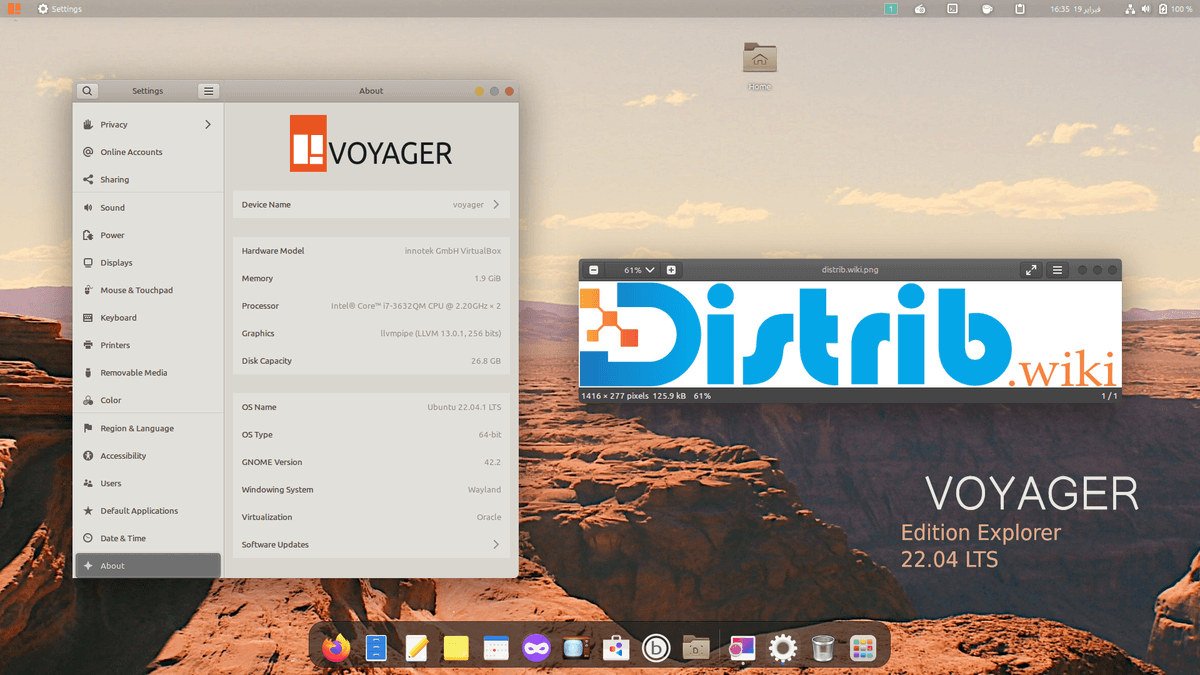
The Voyager Live interface
The Xfce edition described in this catalogue entry uses a flexible desktop with modest resource needs and a customised visual style. Voyager’s desktop choices vary by edition and release; check the image description rather than assuming every version uses Xfce.
Interface features
- A streamlined taskbar for accessing frequently used applications.
- Virtual desktops for organising ongoing tasks and applications.
- Themes and icons for adapting the desktop’s appearance.
Applications in Voyager Live
The prepared software selection covers productivity, entertainment and system utilities, helping users begin work after installation. The exact applications depend on the selected release.
Examples of the application selection
- LibreOffice: tools for documents, spreadsheets, presentations and other office work.
- GIMP: image editing.
- VLC: playback of many audio and video formats.
- Firefox: web browsing.
Support and community
Project community resources can help with questions and advice. Voyager’s Ubuntu-related base also makes relevant documentation and software from that ecosystem useful, provided instructions match the actual release and configuration. Check current support channels and test hardware rather than assuming compatibility.
Voyager Live combines a configured desktop, visual customisation and an application selection for everyday work. It may interest both existing Linux users exploring alternatives and newcomers who prefer a prepared environment. Choose the edition according to its desktop, maintenance and hardware requirements.