
Download AV Linux: images and installation preparation
English edition published on .
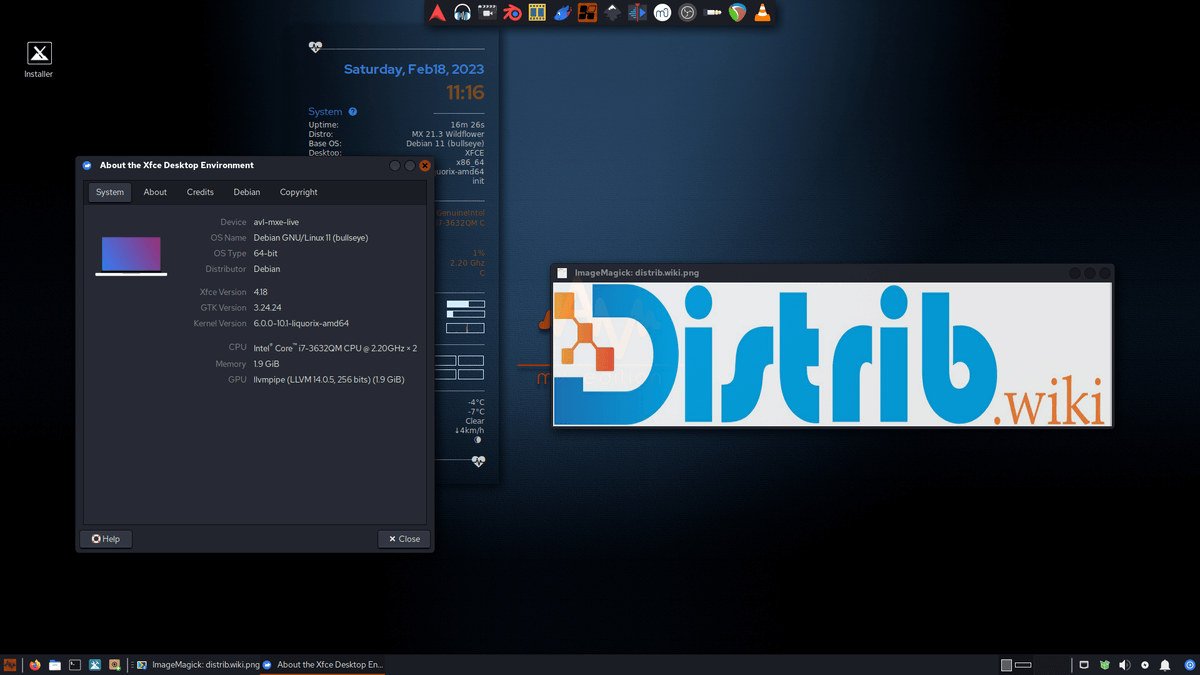
AV Linux focuses on audio and video production, with a prepared selection of multimedia applications. This guide outlines downloading an image and preparing an installation for creative work.
Download AV Linux
Begin with the ISO offered through AV Linux’s official project resources. Check the image’s edition, architecture and requirements against your hardware rather than choosing by filename alone. Read release notes and verify the downloaded image using the project’s supplied instructions.
Create bootable installation media
After verification, prepare suitable USB or optical media according to the image’s instructions. The available tools depend on your current operating system. Back up the selected drive’s contents before writing.
On Linux
An image-writing tool can prepare USB media. Experienced users may use dd where documented; a wrong destination can erase important data. Identify the target device unambiguously before running any disk-writing command.
On Windows
Tools such as Rufus or balenaEtcher can write supported images to USB. Select the verified ISO and check the destination drive’s name and capacity before confirming.
Install AV Linux
Insert the prepared media, restart and choose it in the computer’s boot menu. Use the hardware manufacturer’s instructions if the boot device is not available. Keep an independent backup of your projects and documents before installation.
Disk configuration
Follow the selected release’s installation documentation for partitioning and formatting. Identify the target disk and any partitions to preserve. Do not approve formatting until you understand which data will be replaced.
System installation
The installer guides the system configuration, including choices such as language, keyboard and user account. Review its summary before starting file copying; exact options depend on the release.
Restart and check your creative tools
After installation finishes, restart and remove installation media as instructed. Check available updates, sound devices, recording and playback, graphics and your actual project files before relying on the system for production.
Although AV Linux is specialised, its preparation shares familiar steps with other Linux systems: select the right image, verify it, prepare media and review disk changes. Multimedia applications and peripherals still need their own compatibility checks.