
Download Void Linux: glibc, musl and installation
English edition published on .
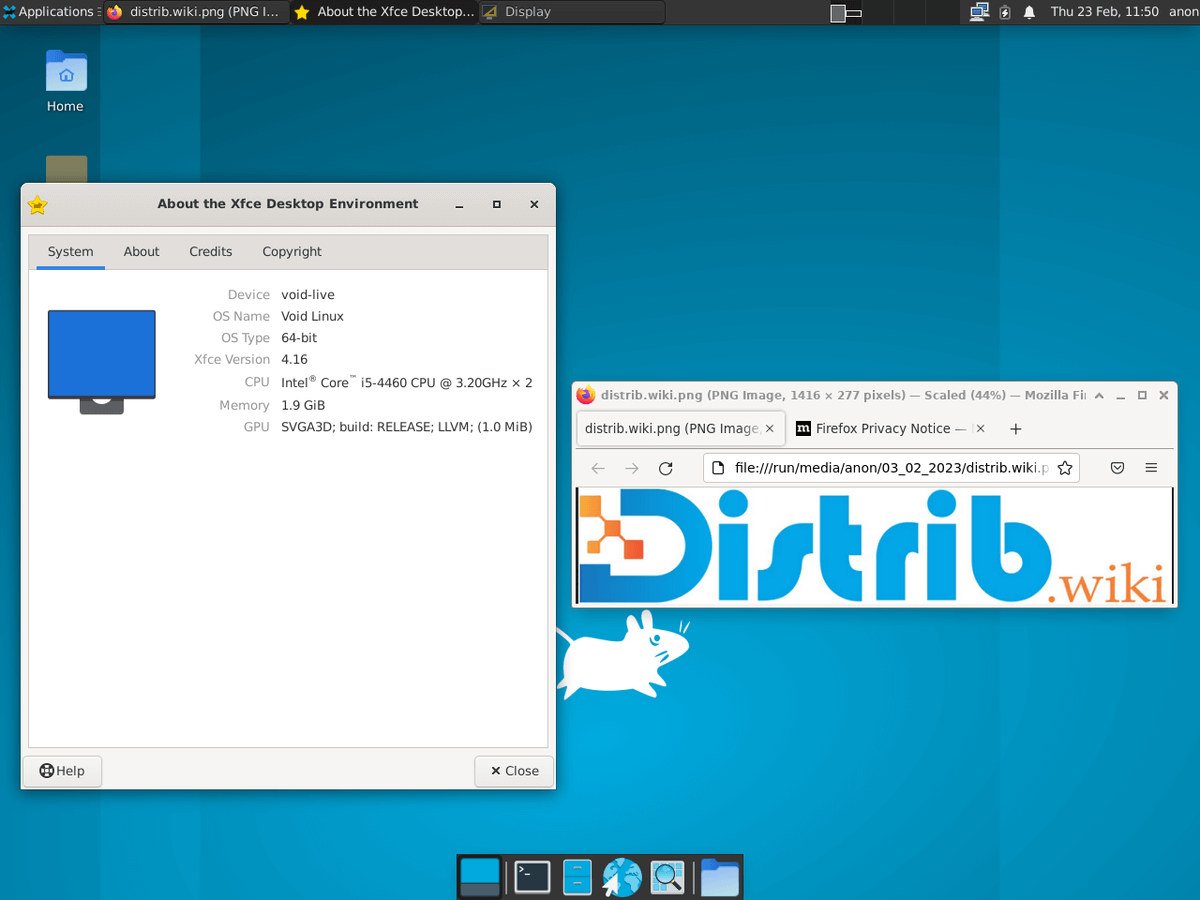
How to download Void Linux for free
Downloading Void Linux gives you an independent Linux distribution with a rolling release model. It uses the XBPS package manager and runit init system, and offers glibc and musl variants. Its relatively minimal approach is intended for users who want to select and configure their own software.
Get Void Linux from the official project website or a mirror listed by the project. The official download information points to live images and root filesystem archives in the current live directory, with other mirrors documented separately. Choose a suitable image and verify it; an official download location alone does not replace integrity checks.
Before downloading, decide between glibc and musl, and between an image with a desktop such as Xfce and a minimal base image. These choices affect software compatibility and the amount of setup required.
Which Void Linux image should you choose?
The glibc variant is generally the more straightforward starting point for everyday desktop use. It offers wider compatibility with commonly distributed Linux binaries and some proprietary applications. Check any essential applications before choosing a different C library.
The musl variant uses the musl C library. It may interest experienced users exploring a different, relatively small foundation, but some applications and precompiled binaries are not compatible with it. A smaller base does not automatically mean every workload will run faster.
An Xfce live image lets you try a graphical desktop before installing. This makes it easier to check hardware, explore the system and open the installer from a working desktop environment.
The base image provides a more minimal starting point. It suits users who want to assemble their system themselves, choose a desktop separately and install only the packages they need.
Rootfs tarballs are intended for customised installations. They can be useful when building a system from another Linux environment, preparing containers, working with specific architectures or following an advanced installation procedure.
Prepare your computer before downloading
Back up important files before installing Void Linux. Operating-system installation can modify disk partitions, and an error can destroy existing data. Trying a live USB first is useful, but does not remove the need for a backup before installation.
Consider your familiarity with Linux. Void generally asks for more hands-on administration than Ubuntu, Linux Mint or Zorin OS. Expect to use a terminal, read the handbook and learn the differences involving XBPS, runit, glibc, musl and rolling updates.
Prepare a USB drive large enough for the image. Have a working network connection available as well: a network installation requires Ethernet or Wi-Fi access. Check that the live environment recognises your network hardware.
Create a bootable Void Linux USB drive
Write the downloaded ISO to a USB drive using a compatible image-writing tool, such as Rufus on Windows or balenaEtcher on Windows, macOS or Linux. Experienced Linux users can use dd, taking particular care to identify the correct target device. Writing an image erases the USB drive.
Restart the computer and open its boot menu. Depending on the manufacturer, the key may be F12, F9, F8, Esc or Delete; consult the device instructions if necessary. Select the USB drive to start the live environment.
With an Xfce image, you can explore a graphical desktop. A base image starts a more minimal environment and requires more command-line work. Choose the image that matches the way you want to install.
Install Void Linux after downloading
From the live environment, use the provided installer or an advanced manual procedure. The installer covers essential settings such as the keyboard, network, disks, partitions, filesystem, user account and bootloader.
Check the target disk carefully before confirming partition changes. A mistake can delete existing files. A spare computer, virtual machine or dedicated disk is a useful place to learn the installation process.
After installation, use XBPS to update the system. Regular updates are part of maintaining a rolling release, alongside reading relevant project notices. You can then add a desktop, drivers, office applications, development tools and other packages appropriate to your needs.
Services are managed with runit. If you are used to systemd, read the Void handbook before carrying over familiar commands: the service-management tools and conventions differ.
Why consider downloading Void Linux?
Void offers an independent, relatively minimal system that can be built around your own choices. It may suit people who want to understand their environment and select the software they install, rather than starting with a large application collection.
It is also an option for users who want a system without systemd. runit takes a different approach to initialisation and service supervision, which may fit their administration preferences.
XBPS manages binary packages, while xbps-src provides a way to build software from source. Together they support both routine package installation and more involved customisation.
The glibc and musl variants accommodate different requirements. glibc is usually the simpler choice for binary compatibility, while musl is worth considering only after checking the software and workflows you need.
From download to installation
Void Linux provides an independent, customisable starting point. For a first installation, a glibc image with Xfce is generally more accessible; experienced users may prefer a base image, musl variant or rootfs archive.
Use the official website or a project-listed mirror, verify the image, prepare a bootable USB drive and follow the handbook. The result can be a focused system without systemd, provided you are comfortable taking responsibility for its configuration and ongoing maintenance.