

Opens the download page on distrib.wiki.
English edition published on .
Void Linux: an independent Linux distribution
Void Linux is a free, open-source, independent distribution designed for users seeking a lean, responsive and highly customisable system. It is not based on Debian, Ubuntu, Fedora, Arch Linux or another major distribution. It has its own technical identity, package manager and approach to system administration.
Void follows a rolling-release model. The system evolves through continuous updates rather than requiring a complete reinstallation for each major release. After installing Void, users maintain it through the XBPS package manager.
Void is particularly known for three choices: the XBPS package manager, the simple runit init and service-supervision system, and a choice between the glibc and musl C libraries. This combination appeals to experienced users, minimal-system enthusiasts and people who prefer less automated distributions.
History of Void Linux
Void Linux was created in 2008 by Juan Romero Pardines, also known as xtraeme. The project began as an independent distribution built around XBPS. It drew inspiration from some BSD approaches while remaining a complete, general-purpose Linux distribution.
From the outset, independence was a distinguishing feature. Void is not a derivative of Debian, Ubuntu, Fedora, Arch Linux or Gentoo. This lets it make its own decisions about packages, initialisation and the overall organisation of the system.
Void chose runit instead of systemd. Runit handles initialisation and service supervision with an emphasis on simplicity and a small resource footprint. This attracts users who prefer a straightforward and transparent service setup.
Void gradually became recognised among experienced Linux users. Although less widely known than major distributions, it has a committed community and official documentation, notably the Void Linux Handbook.
Advantages of Void Linux
Void allows a minimal installation without unnecessary applications, to which users add only the components they require. This can produce a lean system tailored to specific needs.
XBPS provides tools to install, update, search for and remove packages. Software is available as binary packages or can be built from source using the xbps-src collection, depending on the user’s requirements.
Runit is another attraction. Its relatively simple design provides a clear way to start the system and manage services. For people who specifically want a distribution without systemd, Void is worth examining.
The choice of glibc or musl offers further flexibility. glibc is generally the more compatible option for everyday software, while musl appeals to experienced users seeking a smaller or more specialised system.
The rolling-release model provides relatively recent software without waiting for a major release. It suits users who want a modern but comparatively restrained continuously updated system.
Limitations of Void Linux
Void primarily targets intermediate and advanced users. Installation may not be as involved as some Gentoo or Slackware setups, but it requires more independence than Ubuntu, Linux Mint or Zorin OS. Users need to be comfortable reading documentation, using the terminal and making technical choices.
Its community is smaller than those of Debian, Ubuntu, Fedora and Arch Linux. Specific tutorials, recent answers or packages for less common software may be harder to find. The official handbook is useful, but the wider ecosystem is smaller.
The glibc/musl choice can confuse newcomers. musl is technically interesting, but some proprietary applications and precompiled binaries assume glibc and may not work directly. glibc is usually the simpler everyday choice.
Not using systemd is an advantage for some people and a constraint for others. Many Linux tutorials, services and administration habits assume systemd, so instructions may need adaptation for runit.
Void is less suited to organisations requiring commercial support, certifications or a platform fixed for several years. For a critical production server, compare options such as Debian Stable, Ubuntu LTS, Rocky Linux or Red Hat Enterprise Linux.
Void Linux images and variants
Void does not divide its offering into conventional products such as Ubuntu Desktop, Ubuntu Server or Fedora Workstation. Instead, it supplies installation images and rootfs tarballs for different architectures and C libraries. Official live images include a base system, installer and installation files.
The first distinction is glibc versus musl. The glibc variant offers broader general-purpose compatibility, particularly for proprietary programs, binary applications and software that assumes glibc is present.
The musl variant uses the musl C library. Its smaller, minimalist approach can limit compatibility with some software. It mainly interests experienced users and people exploring an alternative to glibc.
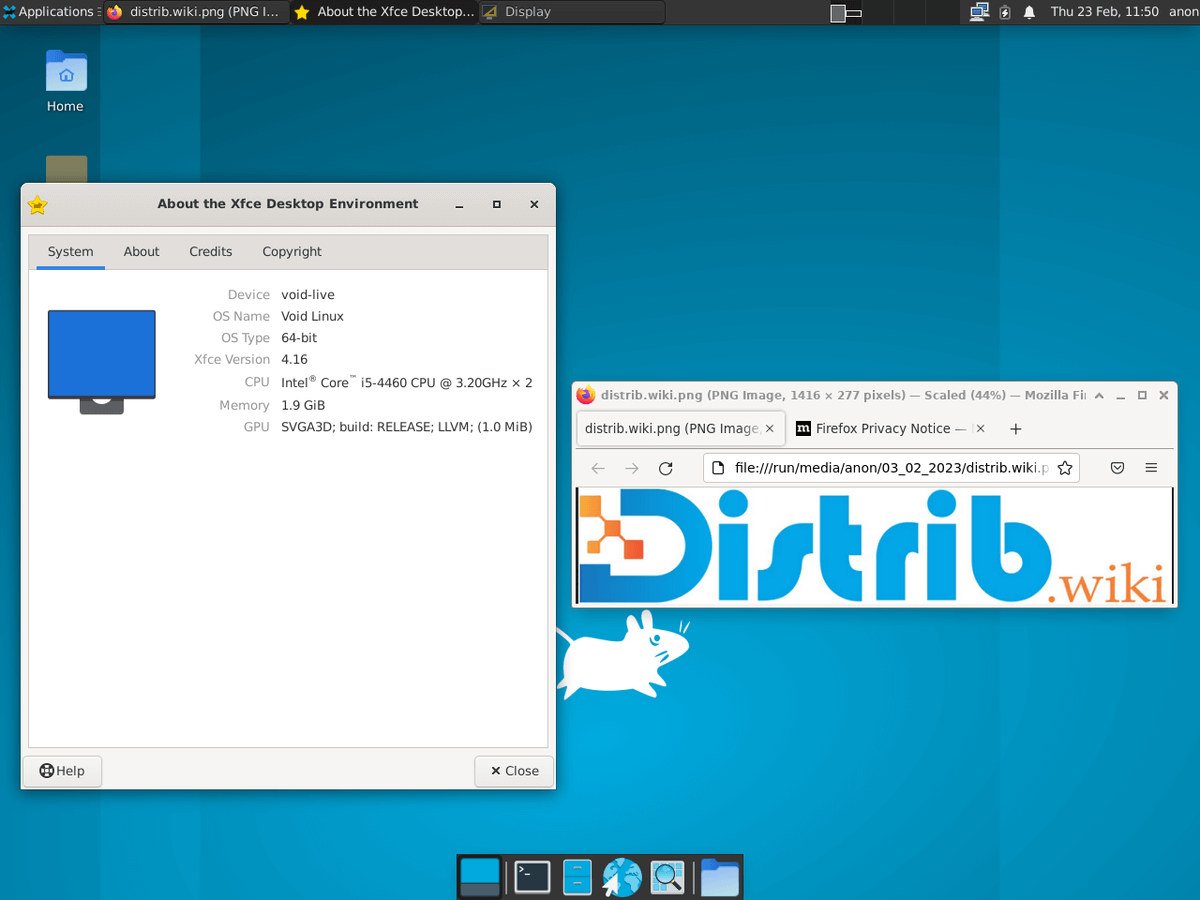
Void supplies graphical live images, including Xfce, as well as minimal base images. Xfce provides a usable desktop for exploring the distribution or performing an installation. The base image suits users who want to assemble their environment step by step.
Rootfs tarballs and images for certain ARM platforms are also available. These serve custom installations, embedded systems and experienced users seeking greater control over system preparation.
Overall assessment
Void Linux is an independent distribution with distinctive technical choices. XBPS, runit, rolling updates and the glibc/musl choice provide an experience different from major Linux families. It particularly suits people who want a lean and controllable system.
It is not the easiest introduction to Linux. Void requires independence, curiosity and some confidence with the terminal. For a motivated user seeking an independent, highly customisable distribution without systemd, it is an interesting option.