
Download Zenwalk GNU Linux: images and installation preparation
English edition published on .
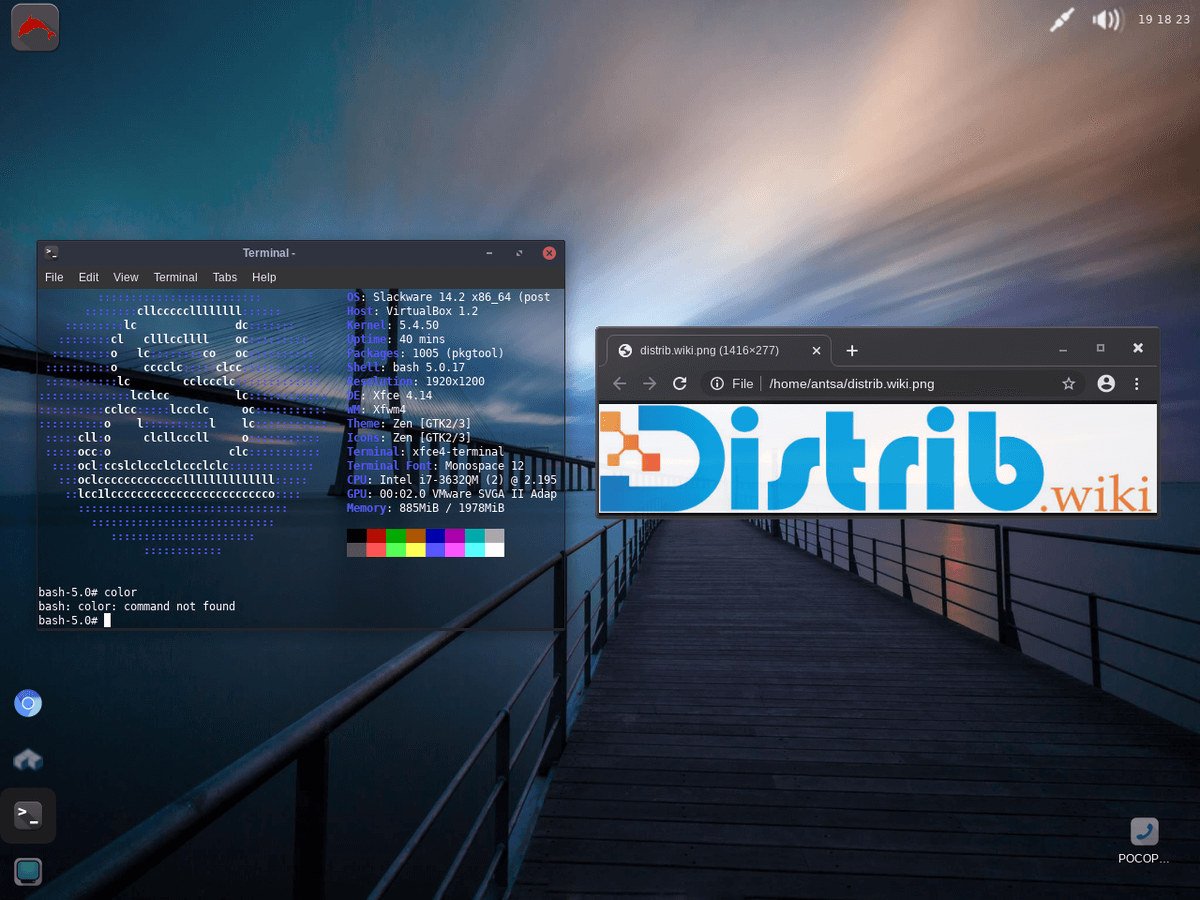
Zenwalk GNU Linux takes a minimalist approach to the desktop. This guide outlines downloading an image, creating installation media and preparing the computer.
Step 1: download a Zenwalk image
Obtain an ISO through the official Zenwalk download page. Check which image and release are actually offered. Older guides mention Standard, Core and Live editions; those names should not be treated as a guarantee of current availability.
Verify image integrity
Use the checksum provided for the exact image, calculating the local value with the same algorithm. Older instructions refer to MD5 or SHA checksums. A matching checksum detects a difference from the reference, but an MD5 value alone does not establish authenticity. Use current project verification instructions and signatures where provided.
Step 2: create bootable installation media
Write the ISO to a suitable DVD with a disc-burning application, or create USB media using an image-writing tool such as Rufus or dd, following the project’s media instructions.
Prepare bootable USB media
Select the downloaded image as source and the correctly identified USB drive as destination. Back up its files and check the device’s name and capacity before writing: image preparation replaces its contents. Wait for completion before removing the media.
Step 3: install Zenwalk GNU Linux
Insert the installation media, restart and select it through the computer’s boot menu. Keep a separate backup of important files before changing disk partitions.
Installation procedure
Follow the instructions for the chosen release. General steps include:
- Booting the installation media and starting the documented installation procedure.
- Choosing the target disk or partition.
- Formatting only where required and intended, after checking data to preserve.
- Completing the remaining installer prompts.
After installation
Zenwalk offers an approach for users interested in a minimal desktop environment. Check updates, networking, peripherals and essential applications after installing. Suitability and performance depend on the actual machine and workload, rather than the distribution’s minimalism alone.