

Opens the download page on distrib.wiki.
English edition published on .
Academix GNU/Linux is a Debian-based distribution designed for academic institutions and education. This profile describes its educational focus, features and possible uses.
Academix features
The distribution’s educational approach brings together these features:
- Debian base: access to the package ecosystem and tools of the parent distribution. Check the maintenance status of the particular Debian base and Academix release you intend to use.
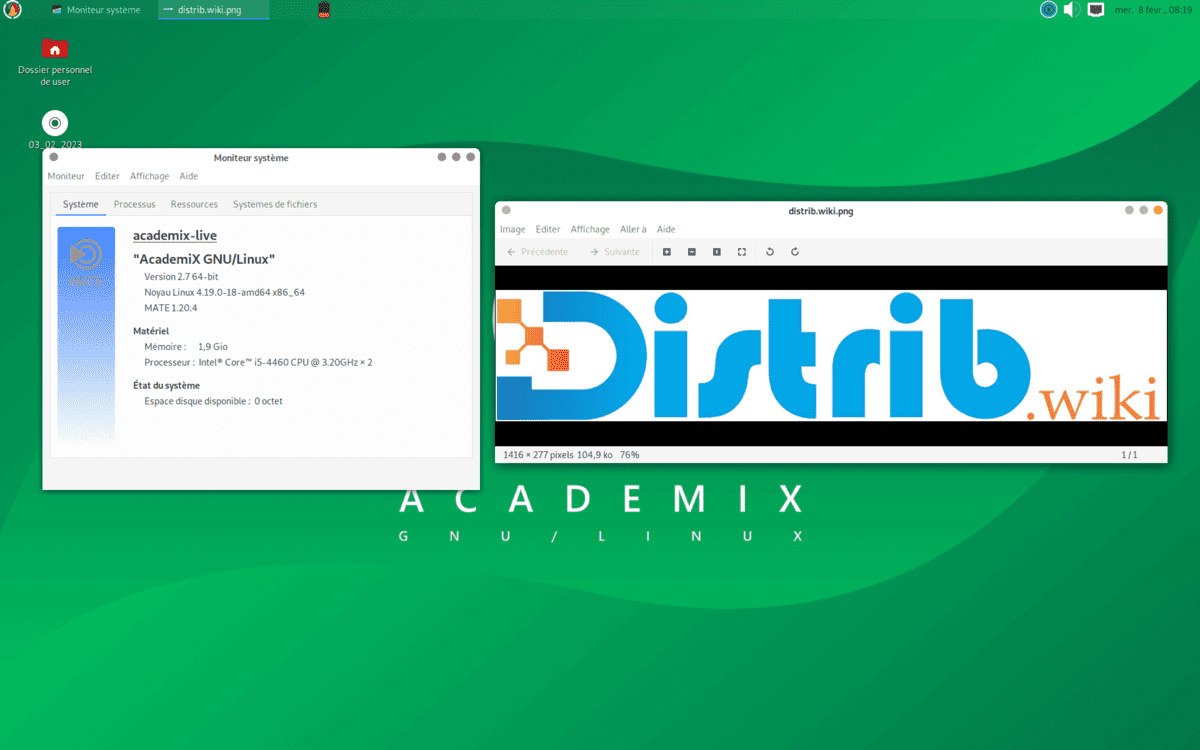
- MATE desktop: a conventional interface with modest resource needs, intended to suit computers with limited hardware often found in educational settings.
- Educational applications: a selection covering mathematics, physics, chemistry, biology, programming, robotics and related subjects. Check which tools are included in the available image.
- Update management: Debian-derived package tools provide a familiar maintenance approach. Their presence does not by itself establish that an old release still receives security updates.
Possible uses of Academix
The educational software selection was designed for settings such as:
- Schools and universities: classroom computers, laboratories and libraries needing educational applications. Verify support and security requirements before deployment.
- Vocational training centres: technical and professional courses making use of the included educational tools.
- Research laboratories: simulations, calculations and other scientific tasks, subject to the required application versions and hardware.
Community and support
The project’s community resources can provide a starting point for questions and sharing experience. For this legacy catalogue entry, verify which support channels remain active rather than assuming that every historical resource is still available:
- Online forums: look for the project’s current discussion channels to ask questions and exchange ideas with other users.
- Documentation: use instructions matching the release to understand its features and troubleshoot common problems.
- Local user communities: Linux user groups may help with general administration, but check local availability and familiarity with Academix.
Conclusion
Academix combines a Debian base, the MATE desktop and educational applications. That design addresses academic and training needs, but a deployment decision also requires checking the current image, its maintenance status, application compatibility and available support.