
Download Oracle Solaris: media and installation planning
English edition published on .
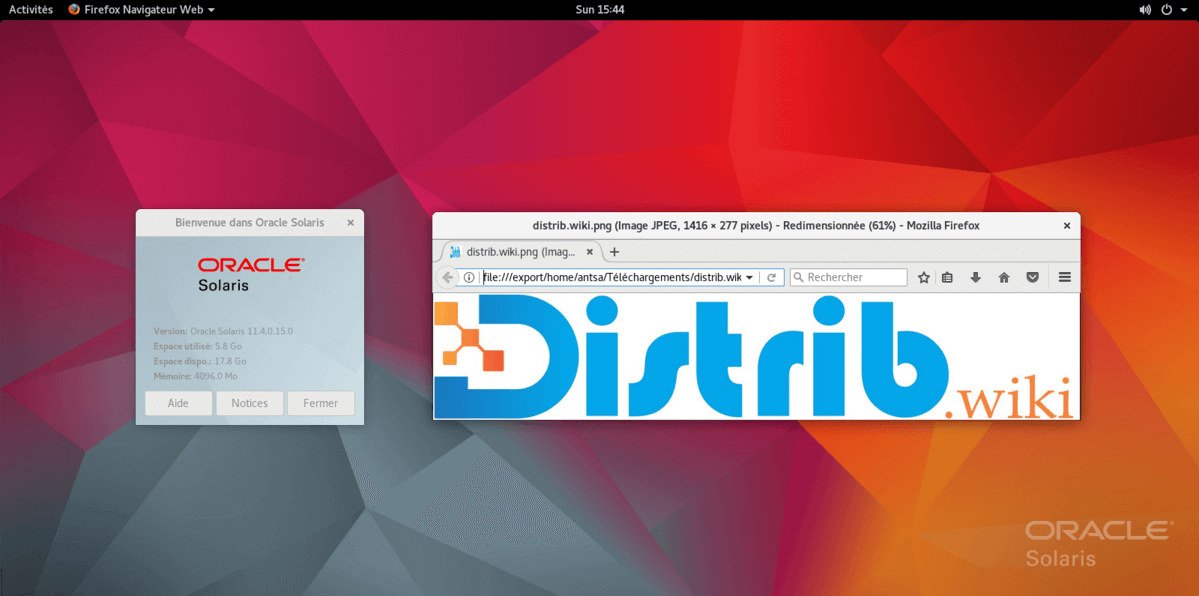
Oracle Solaris is Oracle's Unix operating system for supported enterprise hardware. It is distinct from a Linux distribution, and its download, use and update rights depend on Oracle's terms. The outline below explains the installation stages; consult the current licence and hardware documentation before deployment.
Obtain Oracle Solaris
Use the official Oracle Solaris installation downloads to select the appropriate Text Installer or other offered installation image. Choose media for your supported x86 or SPARC system; this is not a generic choice between interchangeable 32-bit and 64-bit PC images. Use the correct DVD or USB image and follow Oracle's preparation instructions.
Prepare for installation
Firmware configuration
On a compatible PC, select the DVD or USB medium from the boot menu or firmware settings. Access keys often include F2, F10 or Delete, but depend on the machine. SPARC systems use different firmware procedures; follow the instructions for the actual hardware instead of applying PC BIOS steps.
Disk layout
Back up all important files and plan the target disk layout according to Solaris's installation requirements. Do not create or resize partitions blindly from another operating system. Installation may overwrite the chosen disk or partition, so review the installer summary and verify that your backup can be restored.
Install Oracle Solaris
Start from the prepared medium using the procedure for your hardware. When the installer opens, follow the documentation for that release and installation method:
- Select the Oracle Solaris installation option.
- Choose the appropriate language and keyboard settings where offered.
- Select the intended target disk, partition or slice, checking the proposed storage changes.
- Configure networking and user information as required by the installer.
- Review all settings, confirm only when they are correct and allow installation to complete.
After installation
Restart when instructed, remove the installation medium if appropriate and check that the installed system boots correctly. Verify networking, storage and the applications needed for the intended workload.
Check for updates using the repositories and support entitlement available to your installation. Access to a downloadable image should not be confused with unrestricted production licensing or access to every support update. Follow Oracle's maintenance instructions for your chosen release.