

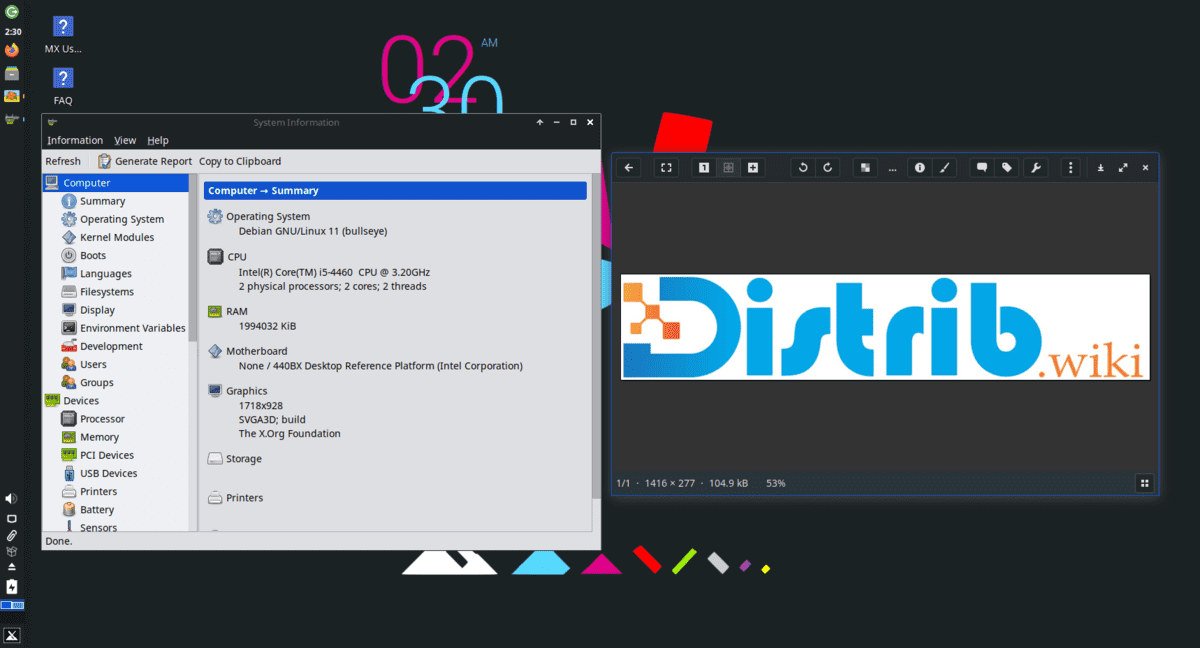
Opens the download page on distrib.wiki.
English edition published on .
MX Linux combines a Debian Stable base with graphical desktop-management tools. Judge its suitability by your applications, hardware and preferred interface: Xfce, KDE Plasma or Fluxbox. Its Debian base does not make every Ubuntu tutorial directly applicable.
Updated on . Information checked in project documentation; no hardware test or benchmark is presented here.
A Debian Stable base with MX-specific tools
The MX 25 branch uses Debian 13 and MX repositories. The project explains that MX is not a rolling release: its base follows a stable Debian release, while MX repositories provide its tools and some newer software. See the official FAQ for the distinctions.
As of 25 October 2026, the project lists MX 25.3 “Infinity”, announced on 20 September, alongside refreshed monthly images. A newer image within the same branch does not mean a maintained installation must be reinstalled. The official MX Linux blog distinguishes releases from interim image refreshes.
Moving from MX 23 to MX 25 is a different operation. The in-place upgrade procedure is itself described as unofficial and dependent on community support. Prepare a verifiable backup and compare that option with a fresh installation followed by restoring your files.
Choose a desktop and check the hardware
Desktop images offer Xfce, KDE Plasma and Fluxbox. Compare launching applications, arranging windows, adjusting displays and accessing settings. Fluxbox is a window manager; moving from a full desktop may require more adjustment. The edition name alone cannot predict its speed on your computer.
AHS, or Advanced Hardware Support, images include components intended to support newer hardware. The official final-image directory identifies Xfce/AHS and KDE variants. Choose for the hardware component you need, then check it in a live session.
An older computer is not automatically compatible. MX 25 PC images target x86-64 processors and cannot run on a 32-bit-only CPU. The MX 25 manual also explains the systemd/SysVinit boot choice on recent images. Check application requirements before changing it.
Install and maintain your applications
MX Package Installer brings together selected applications, packages from enabled repositories and Flatpak applications. Testing sections and backports have different roles from regular repositories. Do not change an application’s source without understanding why and what its updates will entail.
The project FAQ advises against treating Ubuntu PPAs as MX-compatible repositories. For a missing application, first consult MX resources and documentation. Our software catalogue (in French) can help build a list of essential applications.
Record each application’s source, version, updates and data location. A system package and a Flatpak of the same application may coexist with separate settings; identify which one you use before removing either.
MX Snapshot does not replace a file backup
MX Snapshot creates an ISO of your system, with options to include or exclude personal data. A personal image may contain files and settings: store it safely and inspect its contents before sharing it.
A system image and a separate document backup serve different needs. Before upgrading, verify that backed-up files are readable and that your recovery method remains available if the main disk no longer boots.
Prepare a useful trial
- Identify your CPU architecture and available disk space.
- Check essential applications, their document formats and your peripherals.
- In the live session, test networking, sound, display, suspend and the keyboard.
- Before installing, back up useful files and identify the disk that will be changed.
The MX Linux download guide covers image selection, signatures and USB preparation. To compare approaches, see the Debian profile and distribution selection guide.