
Download elementary OS: images and installation
English edition published on .
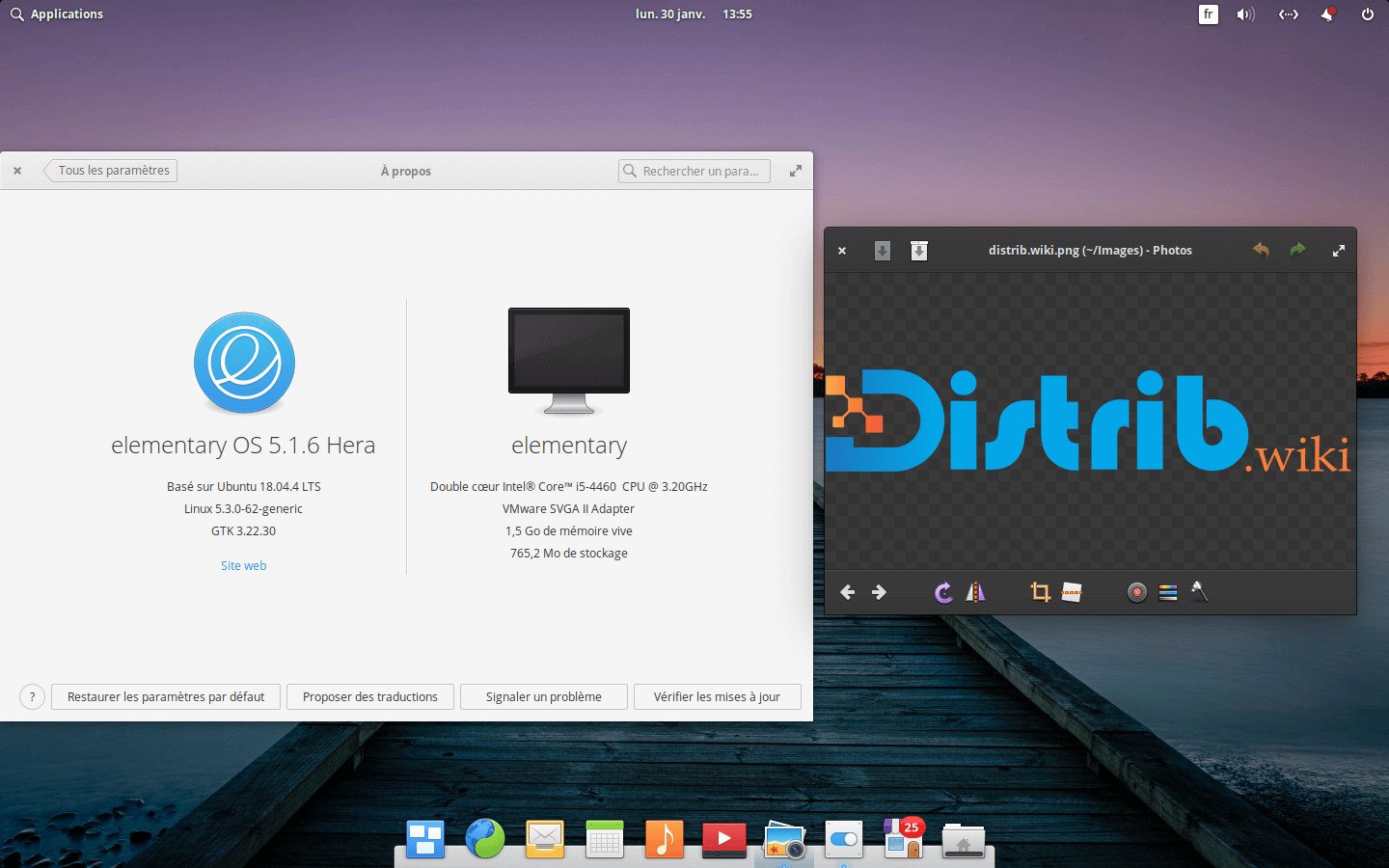
How to download elementary OS for free
elementary OS combines an Ubuntu LTS base with the Pantheon desktop. Its restrained interface and integrated applications target browsing, office tasks, media and everyday productivity.
Use the official website and verify the ISO according to project instructions. The “Pay What You Can” model lets you contribute to development or choose a custom amount, including zero for a free download.
The source guide discusses elementary OS 8.1, which develops the Secure Session, dock, accessibility and hardware support. For a fresh installation, check the current official release rather than relying indefinitely on that version number.
Which elementary OS image should you choose?
The official desktop experience is Pantheon rather than a selection of separate GNOME, KDE and Xfce editions. Choose the current supported ISO for your hardware.
The 8.1 release belongs to the Circe series based on Ubuntu 24.04 LTS, with desktop and hardware improvements. Confirm the currently offered release and its requirements before downloading.
Existing users should follow the upgrade instructions appropriate to their installed version. An ISO is the route for a clean installation; it is not automatically a supported in-place upgrade method.
The single primary desktop reduces the initial edition decision. Pantheon is the interface the project develops and integrates.
Prepare your computer before downloading
Back up important files before making disk changes. Installation can alter partitions; trying live media beforehand does not replace a backup.
Check the selected release’s processor, memory and storage requirements. A compatible 64-bit machine with enough resources for your applications is needed; desktop appearance alone cannot establish performance.
Prepare a sufficiently large USB drive and save its existing files elsewhere. It will hold the installation image and can provide a live trial.
Create a bootable elementary OS USB drive
After verifying the ISO, use a compatible image writer such as Rufus or balenaEtcher following the project’s instructions. Writing the image overwrites the target device.
Restart and open the manufacturer’s boot menu, often accessed with F12, F9, F8, Escape or Delete. Select the USB drive.
The live environment lets you inspect Wi-Fi, sound, display, keyboard, mouse and Pantheon’s workflow before installation. It can identify problems but cannot guarantee every later task will work.
Install elementary OS after downloading
The graphical installer guides language, keyboard, time zone, disk and user-account choices. Review the effects of each option rather than assuming the defaults suit your disk layout.
Replacing the existing system can erase its data. Manual partitioning and dual boot require planning if Windows or another Linux system must be retained. Keep a verified backup.
Apply updates after installation, then add applications through AppCenter, Flatpak or packages supported for your release. A .deb file or Ubuntu-related source is not automatically compatible; verify the publisher’s requirements.
Why download elementary OS?
Pantheon brings together a dock, application menu, organised settings and integrated tools in a coherent desktop.
Its restrained approach may appeal to people moving from Windows or macOS who prefer a guided desktop rather than detailed manual configuration.
The voluntary payment model lets users support development or try the system without an initial payment. It provides a funding route without a mandatory operating-system licence charge.
The Ubuntu LTS base connects the system to a broad application and hardware ecosystem. Check the particular software and devices needed for your work.
Conclusion
An official elementary OS image provides Pantheon and an Ubuntu LTS foundation. Choose a currently supported image matching your hardware, rather than assuming 8.1 remains the latest release.
Use official sources, verify the download, prepare USB media and try the desktop before committing disk changes. Follow the installer carefully and check essential applications after setup.