
Download Calculate Linux: images and installation preparation
English edition published on .
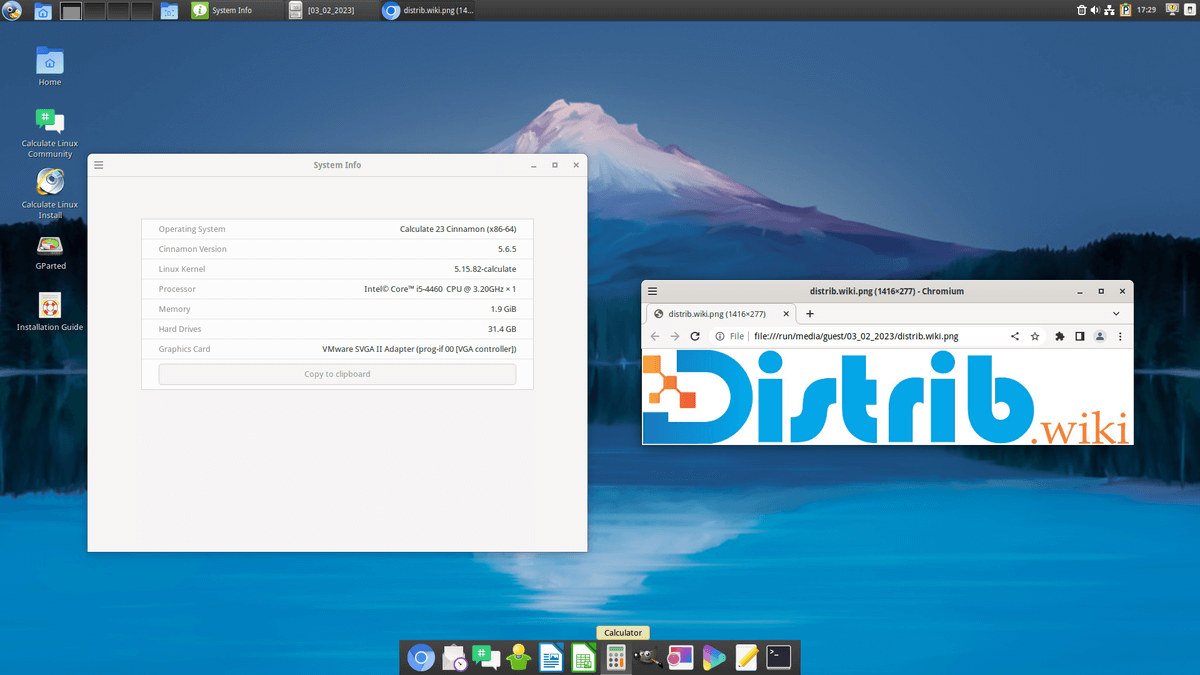
Calculate Linux is a Gentoo-based distribution providing prepared system configurations. This guide outlines downloading an image, checking it and preparing an installation.
Step 1: download a Calculate Linux ISO
Obtain an appropriate image through the official Calculate Linux download resources. Choose the intended edition and check the architecture actually offered for that release; do not assume an older 32-bit option is still available.
Verify the ISO
Follow the project’s verification instructions, comparing the downloaded image with its matching published checksum using the specified algorithm. A matching hash checks the file against that reference; it does not independently authenticate the source. Use signing instructions too where the project provides them.
Step 2: create bootable installation media
Once the image is verified, write it to suitable optical media or create a bootable USB drive. Rufus on Windows or dd on Linux are examples of image-writing tools; use the method supported by the chosen image and documented for your system.
Media preparation
The exact steps depend on the tool. Generally, select the ISO as source, identify the DVD or USB drive as destination and start writing. Back up USB contents first and check its name and capacity: image writing replaces data on the selected device.
Step 3: install Calculate Linux
Insert the prepared media and restart. Select it through the computer’s boot menu; the method depends on the hardware. Keep an independent backup of important files before installing to disk.
The installation process
Follow the installation documentation for the selected Calculate edition. The general decisions include:
- Selecting language and keyboard settings.
- Choosing the installation configuration offered by that edition.
- Selecting the target disk or partition and checking changes before writing.
- Entering user information.
- Waiting for installation to complete.
After installation
Calculate Linux provides one way to explore Gentoo-based software management through a prepared distribution. After setup, follow its update instructions and check networking, peripherals and essential applications. The preparation required depends on your hardware and selected edition.