

Information updated on using the official sources linked in this profile.
FreeBSD: choosing a BSD system for your requirements
FreeBSD is an open-source operating system in the BSD family, with its own kernel and base tools. It can serve as a server, development environment or desktop foundation. Choosing it requires checking the software and hardware you need.
The official Explaining BSD article describes the distinction from Linux: FreeBSD develops a coherent base system rather than a distribution assembled around the Linux kernel. Applications and terminal habits may overlap, but drivers, administration procedures and packages are not interchangeable.
Server, learning environment or desktop: what are you building?
The project overview describes server, networking, embedded and desktop uses. FreeBSD is developed by a community; the FreeBSD Foundation is a supporting organisation. A general reputation cannot predict your application’s performance: start with dependencies, documentation and operating requirements.
A virtual machine can help you learn configuration files, services and package management. For a server, also plan backup, restoration and updates. These are tasks to organise, not guarantees supplied by an operating-system choice.
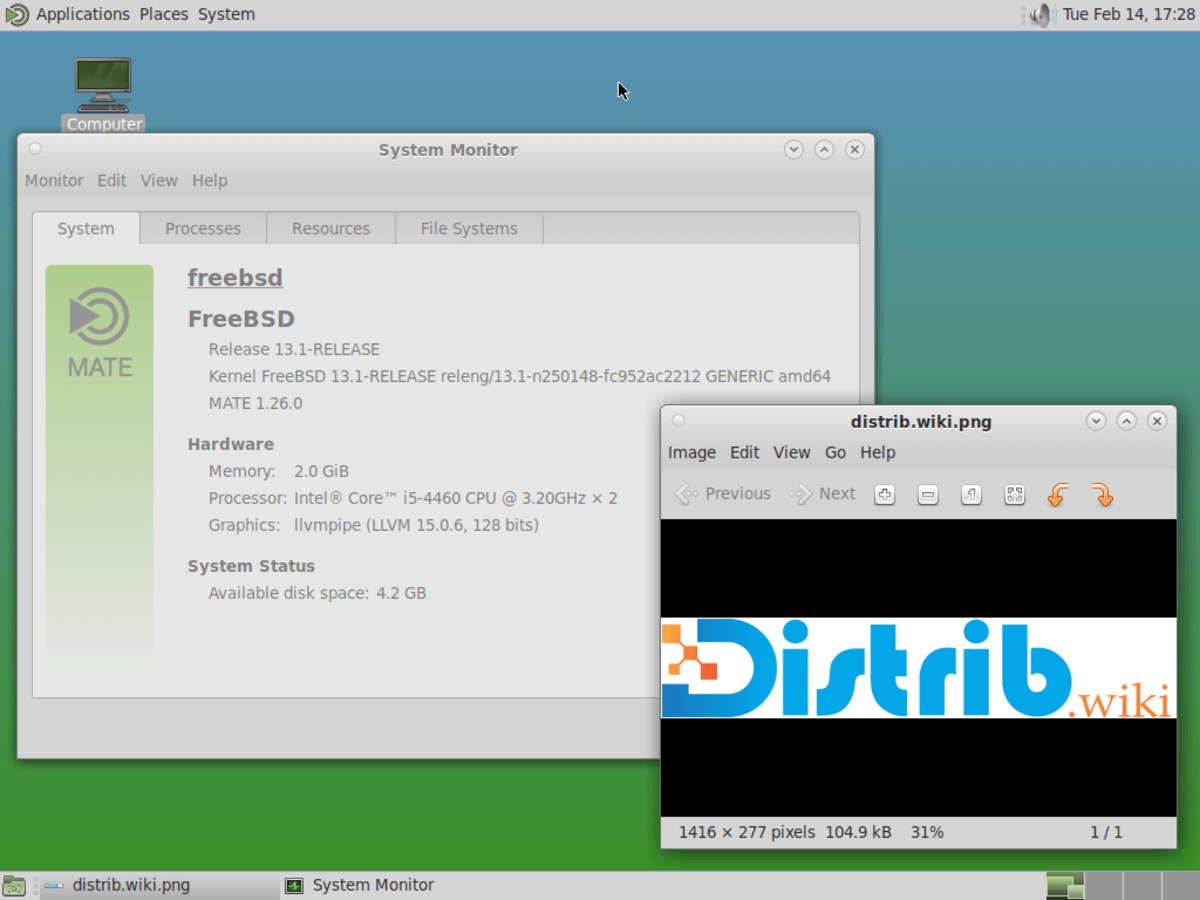
A graphical desktop requires preparation. The desktop-environments handbook chapter explains installing and configuring KDE Plasma, GNOME, Xfce and MATE, among others. It assumes graphical display support has also been prepared. Allow time for graphics, audio, peripherals and applications; a screenshot does not mean that desktop will be preinstalled on first boot.
Choose a supported release
On 22 October 2026, the official download page presented 15.1-RELEASE as a production version for new installations. It distinguished earlier releases from development images. A branch name or larger version number is not enough to select installation media.
The official supported-release table listed planned support end dates of 31 March 2027 for 15.1-RELEASE and 30 June 2027 for 14.5-RELEASE. These dates apply to those specific releases; a major branch’s lifespan does not automatically extend support for each minor release. Recheck the table before planning an installation or upgrade.
If FreeBSD is already installed, follow the 15.1 upgrade instructions appropriate to your starting release and base-system management method. Procedures differ by installation; obtaining a fresh image does not replace this preparation.
Binary packages and ports: two routes to applications
The packages and ports handbook distinguishes precompiled software managed through pkg from the Ports Collection, which builds software from source. You do not need to compile every application yourself. Choose according to availability and the build options you actually require.
Before replacing your current workstation, list essential tasks such as work browsing, video calls, office documents and games. Check FreeBSD availability and document formats for each. Software available on Linux is not automatically supplied in the same form for FreeBSD. Our software checklist can help establish requirements, although its Linux-specific procedures do not transfer directly.
Hardware checks and preparing a trial
Consult the FreeBSD 15.1 hardware notes, particularly for networking and storage. Processor architecture is only an initial criterion. Identify your exact controllers and check the peripherals needed every day. A virtual machine does not reproduce every physical component of a laptop or PC.
- Define the project: learning, server or workstation, with its necessary applications.
- Plan a trial: use an environment you can reinstall without relying on an unverified setup for urgent work.
- Keep an independent backup: verify documents can be read and retain recovery tools.
- Choose the media: our FreeBSD download page explains images, verification and USB preparation.
Our BSD systems category places FreeBSD alongside related projects. Compare each project’s purposes and documentation before choosing.