

Profile updated on . Official sources checked on that date.
Scientific Linux: a historical distribution that has reached end of life
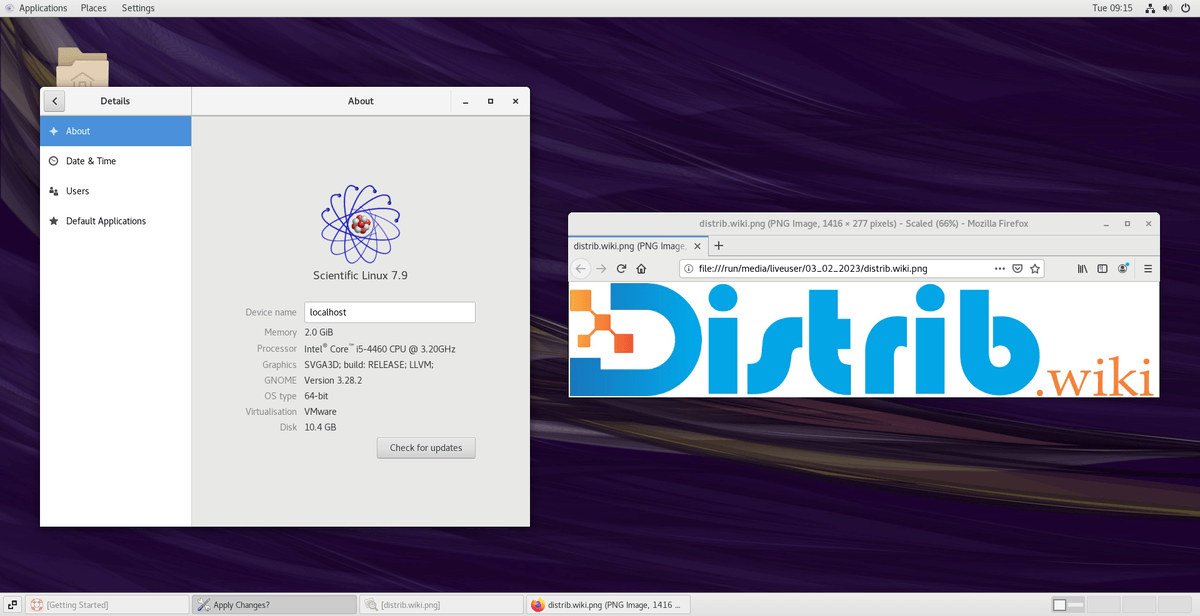
Scientific Linux has been unsupported since 30 June 2024. This former rebuild of Red Hat Enterprise Linux targeted research environments. For a new computer or server, choose a system that still receives updates and supports your applications.
This profile remains available to explain legacy environments, help prepare migration and distinguish the project from Fedora Scientific.
Which version is still supported?
None. In its 1 July 2024 announcement, the project states that Scientific Linux 7 was its final release and no updates, including security updates, are published after 30 June 2024. Keeping files in an archive does not extend support.
An old machine can still boot without being up to date. Include old virtual machines and container images in your migration inventory too. For historical media, see our Scientific Linux downloads and archives page.
What was Scientific Linux for?
The official project introduction describes a Fermilab-supported platform built from Red Hat Enterprise Linux, particularly for physics research. It aimed to provide an extensible computing base for scientific applications.
This did not mean every laboratory tool was preinstalled or performance was guaranteed. Experiment software, libraries and drivers depended on the environment. Being derived from RHEL did not automatically give a Scientific Linux installation Red Hat support.
How should you prepare to replace an existing installation?
The choice depends on the laboratory or service. In their joint announcement of 7 December 2022, Fermilab and CERN expressed their intention to use AlmaLinux as the standard distribution for experiments, with RHEL for some services. That dated direction is not a universal conversion procedure.
- Inventory: record the exact OS version, packages, repositories, scheduled tasks, services and specialist software. Include licences and instrument drivers.
- Choose a target: check which operating systems application publishers actually support and how much maintenance time you need. Consult current AlmaLinux project information if it meets your requirements.
- Test a copy: run representative work with non-sensitive data, check results and document differences. Related distributions are not automatically compatible.
- Prepare the transition: back up data and configuration, verify restoration, and plan an intervention window and a route back to the previous state.
Simply changing repository addresses is not a migration plan. Validate the chosen procedure before applying it to a production machine or an instrument that is difficult to reinstall.
Scientific Linux and Fedora Scientific are separate projects
Fedora Scientific is a Fedora Lab with a KDE desktop and scientific tools. It is neither a new Scientific Linux release nor a direct upgrade. Consult its dedicated profile for scientific desktop use, then check compatibility with your projects.
The Fedora and Red Hat family category also explains the relationships with CentOS Stream and Enterprise Linux distributions.