
Download Elive: release choices and installation
English edition published on .
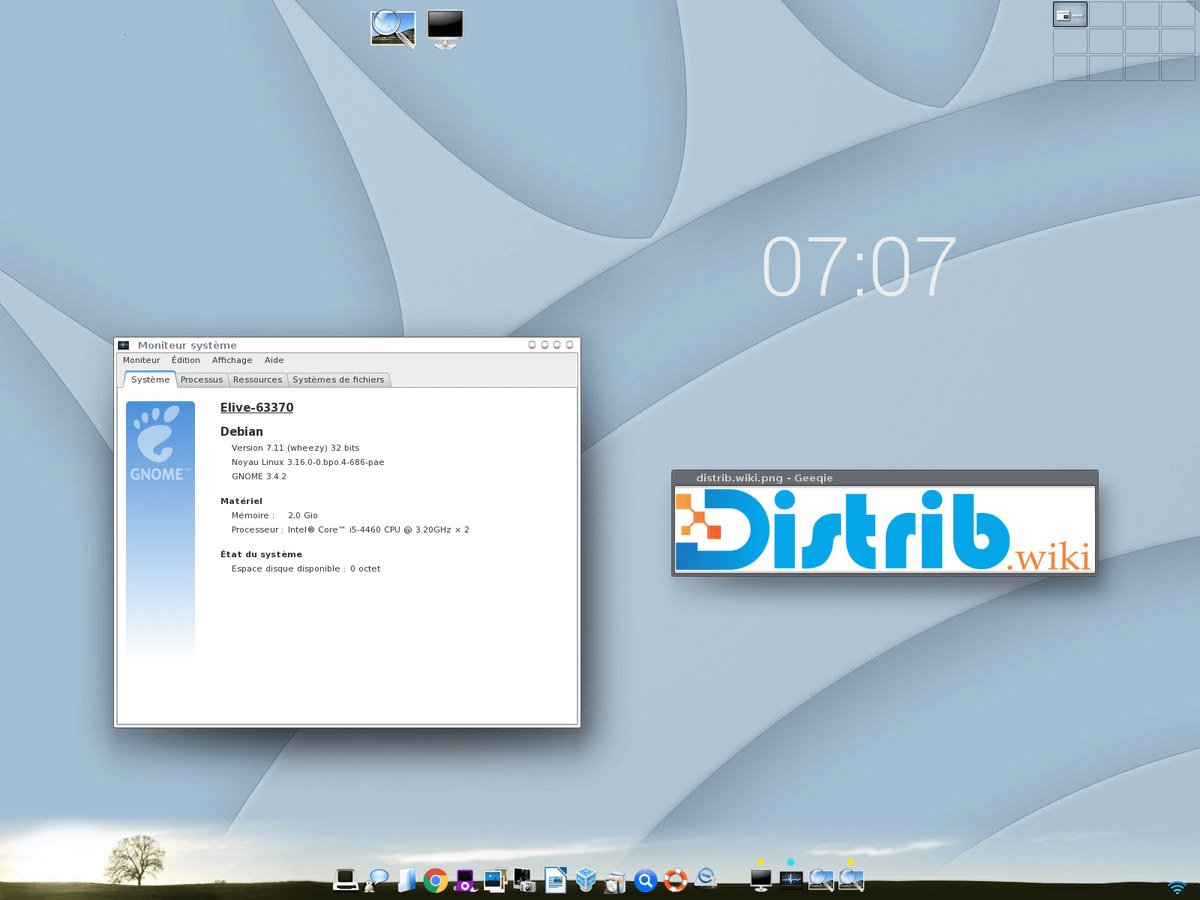
Elive, short for Enlightenment live CD, is a Debian-based Linux distribution using the Enlightenment desktop. This guide explains the main steps for obtaining and installing it, with attention to the image and release you actually choose.
Download Elive
Visit the official Elive website and use its download section. The downloaded ISO contains the installation image; save it to your computer and check any verification information supplied by the project. Read the current download conditions and release details before proceeding.
Choose an appropriate release
The project distinguishes stable and development releases where these are offered. A stable label reflects a release track, not a guarantee that there are no significant bugs or that an old image remains supported. Development images may expose newer changes and additional problems. Compare release notes, hardware requirements and maintenance status before choosing.
Install Elive
After obtaining the image, prepare installation media and check that the system can run on your hardware. Back up important data before starting an installer that may change disk partitions.
Create bootable media
Use a compatible writer to put the ISO onto a USB drive, or burn it as an image to a suitably sized DVD where supported. A USB writer erases the selected target, so verify its identity carefully. Follow the image-writing instructions for the chosen Elive release.
Boot and install
Restart and select the installation medium in the computer's boot menu. Once the image starts, use the live environment where available to check essential hardware, then launch the Elive installer.
The installer guides language selection, disk layout, base-system installation and bootloader setup. Read each screen and review proposed partition changes before confirming them. The options and their order may differ between releases, so use the accompanying documentation for details.
After installing Elive
Elive provides an Enlightenment-based desktop to explore. After installation, apply the updates available for your supported release and test your everyday applications. Assess responsiveness on your own hardware rather than assuming that a particular desktop or distribution guarantees better performance.