
Download OpenIndiana: images and installation
English edition published on .
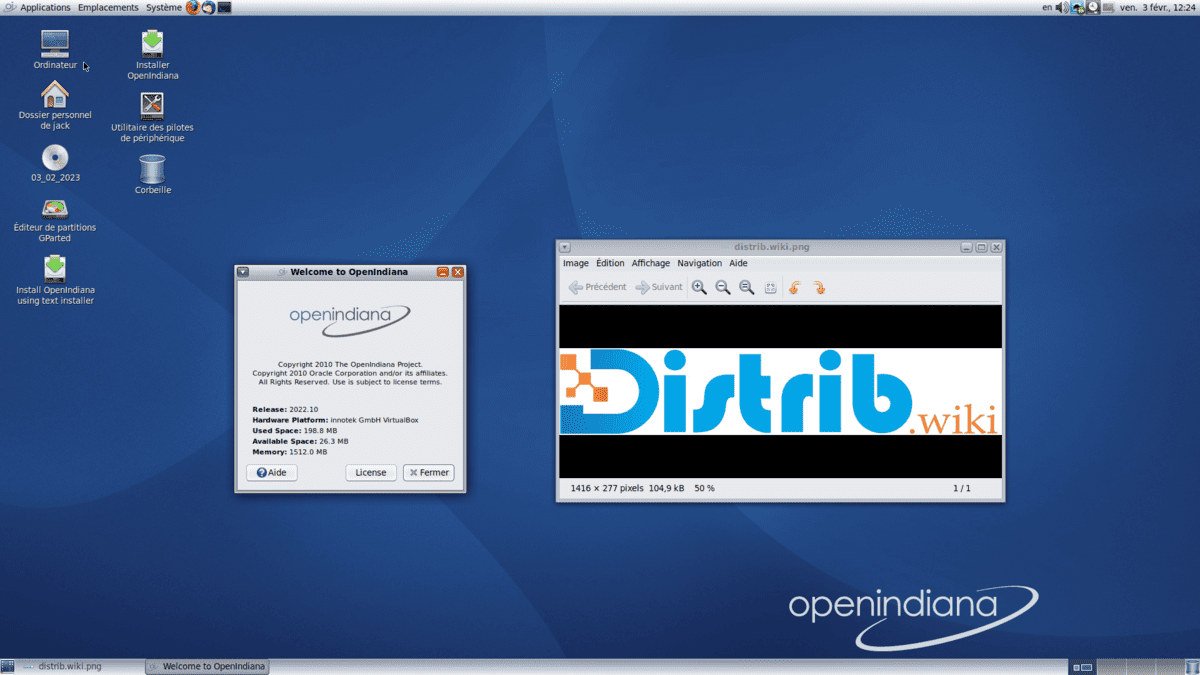
OpenIndiana is an open-source operating system based on illumos and descended from OpenSolaris. This page outlines downloading and installing it without covering advanced configuration.
Downloading OpenIndiana
Visit the official OpenIndiana website and open its download section. Check how the project labels the available images and branches. The original overview distinguishes production and development releases, but the current project documentation should determine which image is appropriate for your intended use.
Choosing an installation image
Check the available live and minimal installation images. A live image lets you explore the desktop before installing; a minimal image provides a smaller starting system. The exact contents and supported installation methods depend on the image.
Creating bootable media
Write the downloaded image to a suitable DVD or USB drive using the method documented by OpenIndiana. The original instructions mention Rufus, UNetbootin and Etcher, but compatibility depends on the image and tool settings. Back up the USB drive and verify the target before writing it.
Installing OpenIndiana
With the installation medium ready and important files backed up, boot it to begin the installation process.
Initial settings
Boot from the installation medium and start the installer provided by the image. Review the language, keyboard and any licence information presented by that release.
Disk partitioning
Review the storage choices and supported installation layouts carefully. Using an entire disk can erase its existing contents, while coexistence with another operating system requires an appropriate layout. If you are unsure, stop and consult the installation documentation rather than accepting a destructive default.
System settings
Enter the requested settings, such as the computer name, time zone and user credentials. Review the installation summary, including its disk changes, before starting.
After installation
When installation completes, restart as instructed and remove the installation medium. You can then explore the installed OpenIndiana system and check its update instructions.
Next steps
OpenIndiana offers an illumos-based environment with its own tools and configuration conventions. Its installation differs from some Linux distributions, so keep the official documentation available and verify each storage decision before proceeding.