

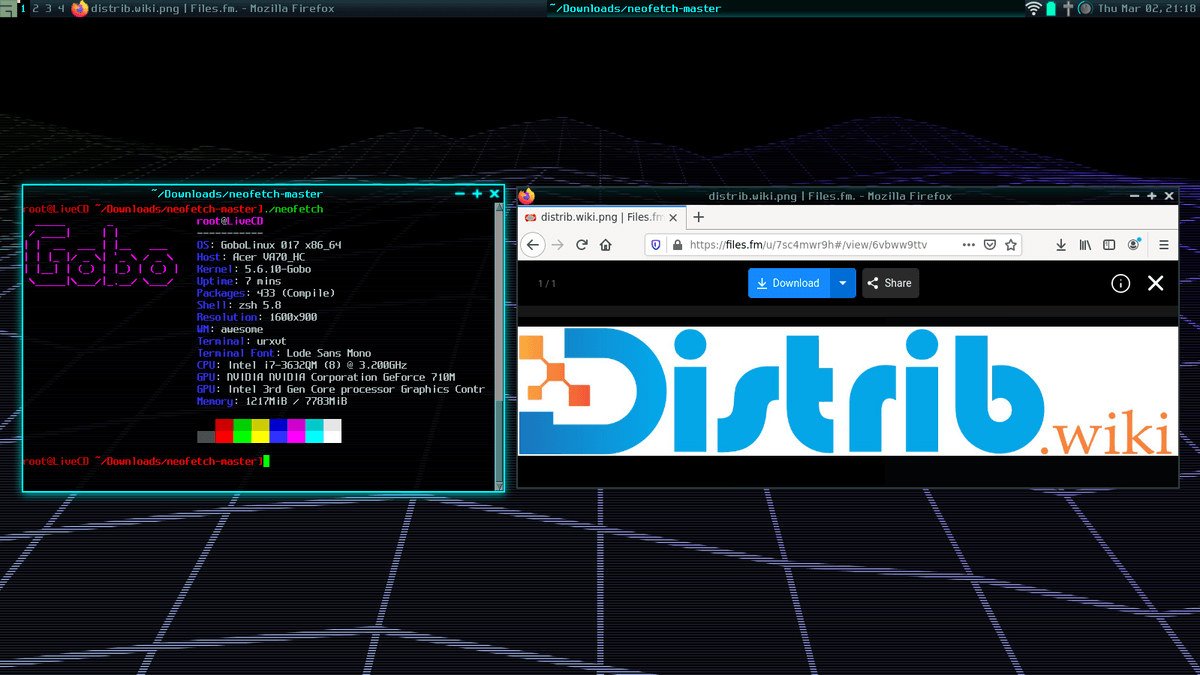
Opens the download page on distrib.wiki.
English edition published on .
GoboLinux explores an alternative to the conventional Linux filesystem layout. It organises system and application files differently, aiming to make installed programs easier to identify.
Understanding GoboLinux
Instead of spreading an application across the traditional filesystem hierarchy, GoboLinux gives each program its own directory. That organisation is its central distinction.
Main features
The design includes:
- An alternative filesystem hierarchy: programs live beneath
/Programs, with symbolic links exposing their files through system indexes such as/System/Index. Shared and user directories remain distinct parts of the layout. - Build and package tools: the project’s Compile tool downloads, builds and installs software from source using supplied recipes.
- Multiple program versions: separate version directories allow different releases of the same application to coexist.
Possible uses of GoboLinux
The alternative layout may be of particular interest in development and learning.
A development environment
Separate directories can help developers organise different versions of a program. They do not automatically eliminate dependency conflicts; compatibility and the active version still require attention.
Education and learning
The visible relationship between programs and their files can provide another way to study Linux system organisation. It differs from the hierarchy used by most distributions, so knowledge of both layouts may be needed.
Conclusion
GoboLinux illustrates how Linux systems can use a different application and filesystem organisation. It may interest developers and learners exploring alternatives to the traditional layout, although it is not intended to match every conventional distribution workflow.