
Download NixOS: images and manual installation
English edition published on .
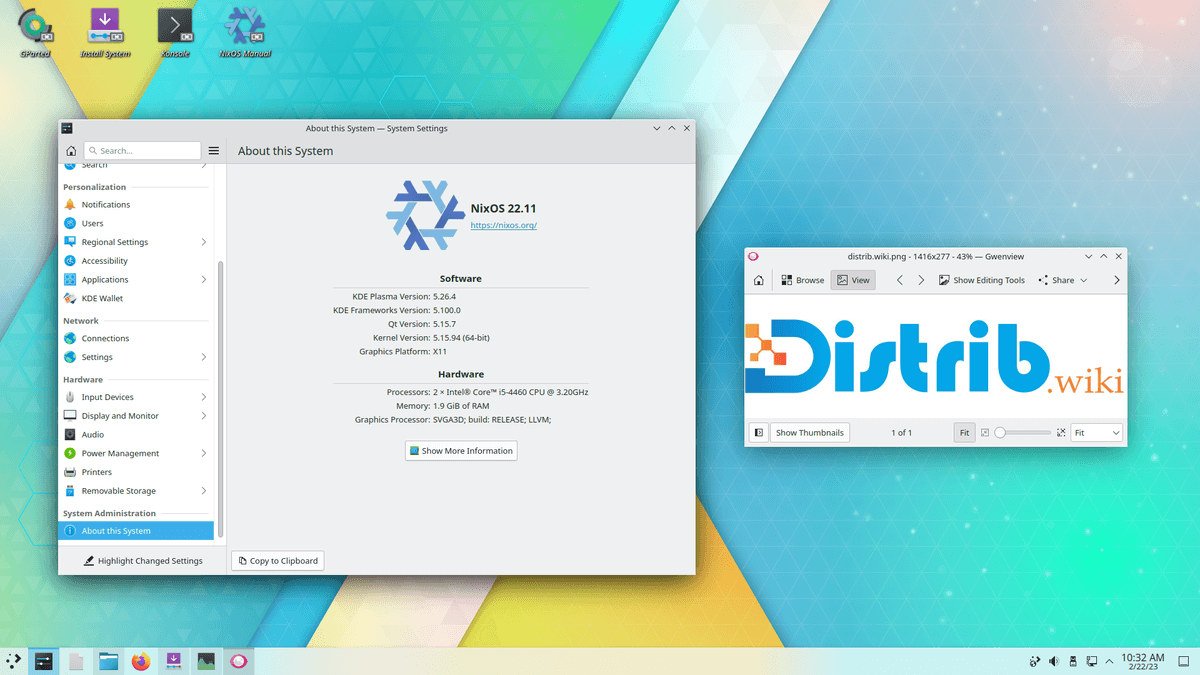
NixOS is a Linux distribution with a distinctive approach to package management and system configuration. This page outlines the steps for downloading an installation image and setting up NixOS on your computer.
Downloading a NixOS ISO image
First, download an installation image from the official NixOS website. Choose an image for your computer’s architecture, such as the appropriate 64-bit architecture, and for the installation method you intend to follow.
Creating bootable installation media
Write the downloaded ISO to installation media, such as a USB drive or a suitable DVD, using the method recommended for the selected image.
On Linux
On Linux, an image can be written with a tool such as dd. Be particularly careful when identifying the target device: selecting the wrong disk can overwrite important data. Follow the official image-writing instructions and back up the target drive first.
On Windows
On Windows, an image-writing application such as Rufus or Etcher can prepare a bootable USB drive. Check the image’s instructions and confirm the correct target drive before writing.
Installing NixOS
Once the installation medium is ready, boot it to begin the installation. The following outline focuses on the manual configuration approach; the exact steps depend on the image and installer selected.
Booting from the installation medium
Insert the installation medium and restart the computer. Use the firmware’s boot menu, or adjust its boot order if necessary, to start from that medium.
Setting up the disk
Prepare the disk according to the official installation manual. A manual NixOS installation uses command-line tools for partitioning and mounting storage. Back up important files and review all changes before altering partitions.
Configuring the system
NixOS uses a declarative system configuration file. In it, specify the packages to install, services to enable and other system settings. Follow the manual for generating the initial configuration and adapting it to your hardware and requirements.
Installation
When the storage and configuration are ready, run the installation command documented for your release. Installation time depends on the computer, required packages and internet connection.
Restarting
After installation completes successfully, restart as instructed and remove the installation medium. The computer should then boot into the installed NixOS system.
NixOS shares the familiar download, boot and installation stages of other Linux distributions, but its configuration model needs particular attention. Keep the official installation manual available and review the configuration before installing.