
Download Wifislax: images and installation guide
English edition published on .
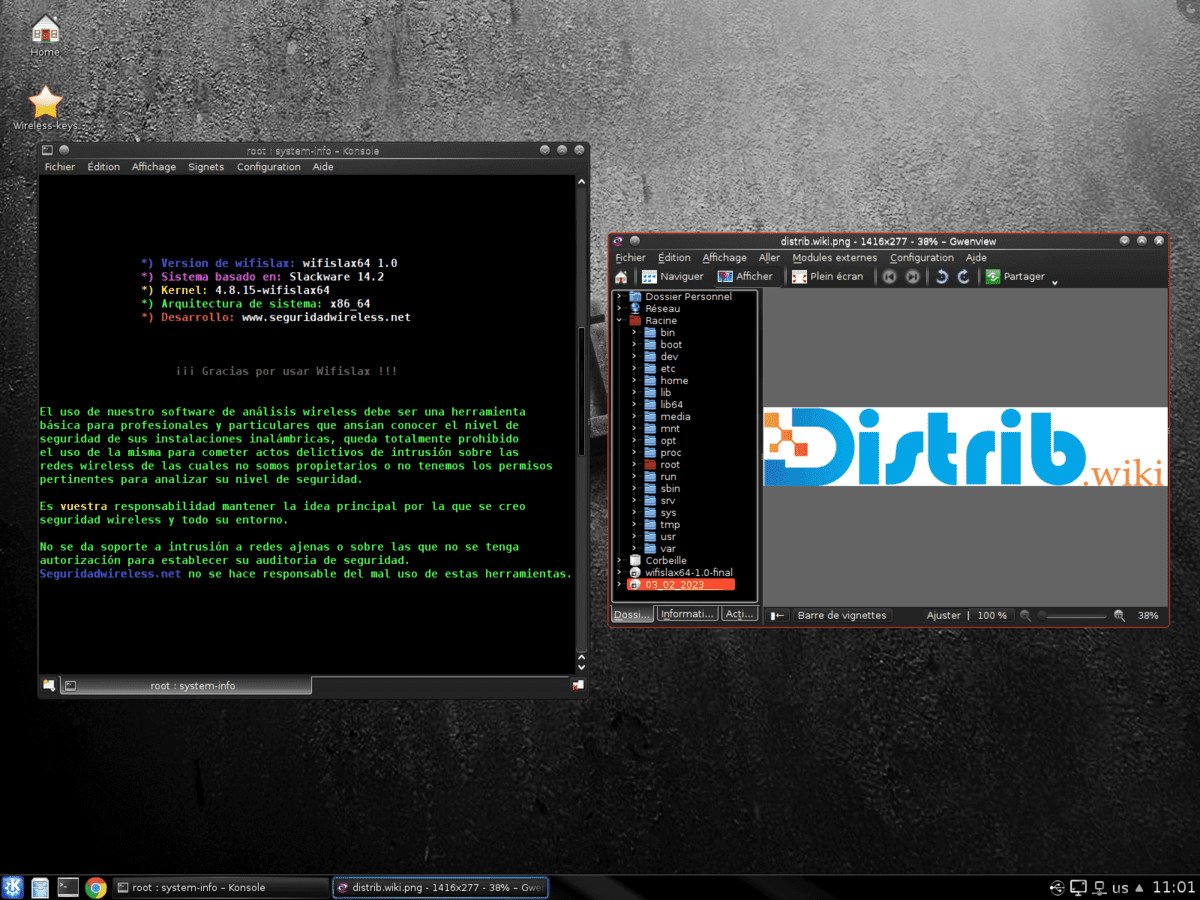
Wifislax is a Slackware-based Linux distribution focused on Wi-Fi security assessment. It provides an environment for authorised network auditing and penetration testing. This page outlines downloading an image and preparing an installation.
Downloading Wifislax
Use the project’s official download information and follow these steps:
Choosing a release
Check the available Wifislax releases and choose an image appropriate to your hardware and intended work. Confirm its status and requirements in the project’s documentation.
Downloading the ISO
Download the corresponding ISO image and allow enough local storage for the file. Follow any verification instructions supplied by the project.
Installing Wifislax
After downloading the image, prepare bootable media. Back up important files before installing the system or changing disk partitions.
Creating installation media
Use a compatible image-writing application to write the Wifislax image to a USB drive or suitable DVD. Follow the image’s instructions, and back up the USB drive because its contents will be overwritten.
- Connect the USB drive or insert a blank DVD with sufficient capacity.
- Open the image-writing application and select the downloaded Wifislax ISO.
- Carefully confirm the destination drive or disc, then start writing the image.
Running the installer
Once the installation medium is ready, boot it and follow the installation method documented for that image.
- Restart the computer with the installation medium inserted.
- Open the computer’s boot menu using the manufacturer’s designated key. F12, F10 and Escape are common examples, but the key varies.
- Select the installation medium as the boot device.
- Follow the image’s instructions to start the installer, and review the target disk and proposed changes before confirming.
After installation
Wifislax provides tools for assessing Wi-Fi networks, but installing it does not establish that a network is secure. Use those tools only on networks you own or have explicit permission to assess, within the agreed scope.