
Download Trisquel Mini: images and installation
English edition published on .
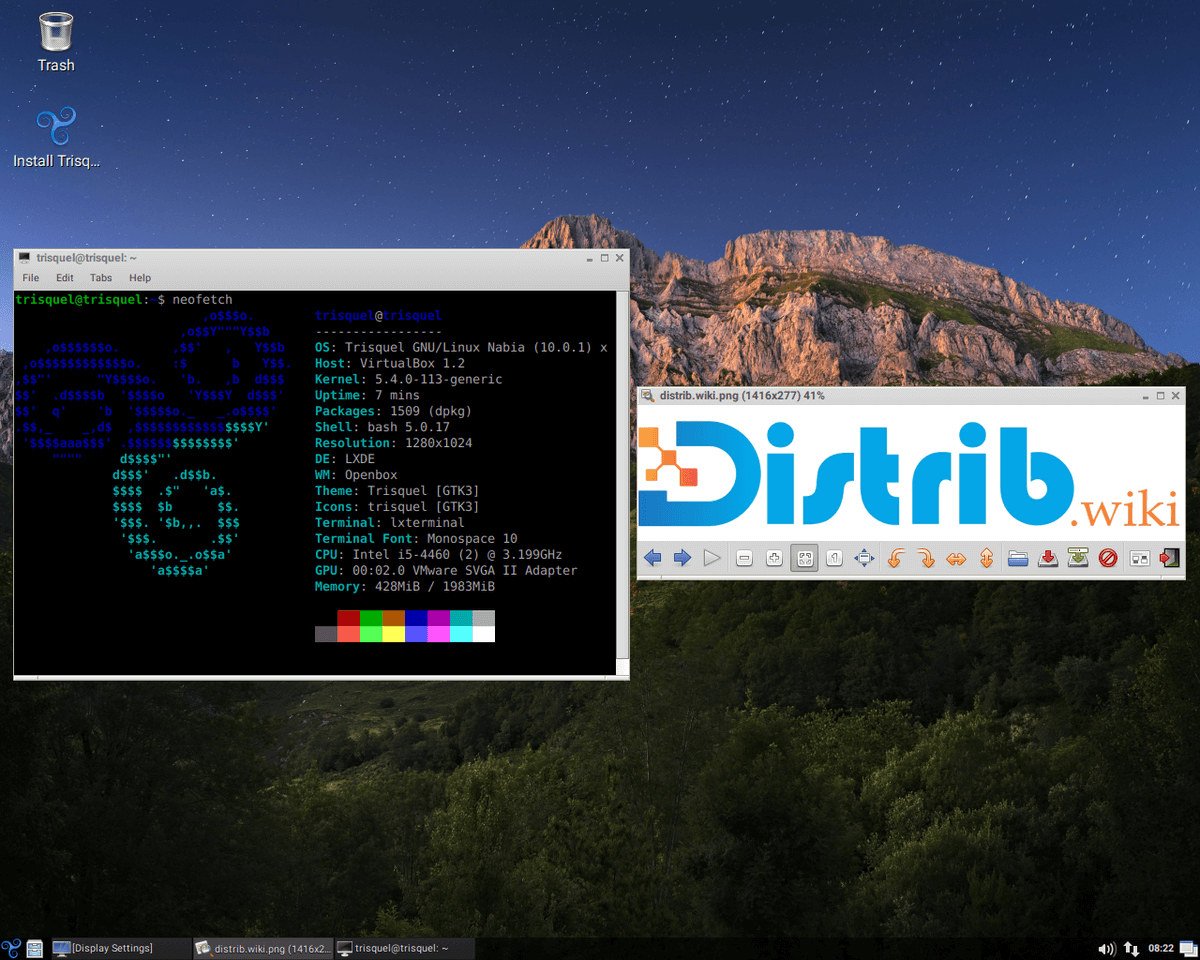
Trisquel Mini is a lighter edition of Trisquel GNU/Linux intended for computers with fewer resources. It aims to provide a usable desktop while limiting resource requirements. This page outlines its download and installation process.
Downloading Trisquel Mini
Find the installation image on the official Trisquel website. Select the Mini edition and an architecture supported by both your computer and the chosen release. Availability of 32-bit and 64-bit images varies between releases; check the current options rather than assuming both are offered.
Preparing installation media
Burning a CD or DVD
If the image supports optical installation, use your disc-writing application’s image-writing option to burn the Trisquel Mini ISO to a blank disc with sufficient capacity.
Creating a bootable USB drive
Alternatively, use a compatible tool to write the Trisquel Mini image to a USB drive. The original instructions mention UNetbootin and Rufus; follow the project’s current guidance for the selected image. Back up the drive and carefully confirm the destination before writing.
Installing Trisquel Mini
Once the installation medium is ready and your important files are backed up, follow these general steps alongside the instructions for your release:
- Insert the installation CD, DVD or USB drive and restart the computer.
- Use the computer’s boot menu to select the installation medium.
- When Trisquel Mini loads, start the installer provided by the image.
- Follow the screens to choose the language, keyboard layout and disk partitioning method. Check the target disk and the consequences of the proposed changes.
- After reviewing and confirming your choices, start installation and allow it to finish.
- Restart when instructed and remove the installation medium so that the computer boots from its installed system.
Trisquel Mini provides a lighter desktop within Trisquel’s free-software approach. After installation, check for updates and confirm that the hardware and applications you need work with the selected release.