
Opens the download page on distrib.wiki.
English edition published on .
AV Linux focuses on audiovisual production. It brings together tools relevant to musicians, video producers, graphic artists and media enthusiasts. This profile introduces the features behind its approach to a creative workstation.
A focus on media production
AV Linux is designed for digital artists and media creators, with a selection of digital audio workstations, video editors and graphics applications. Preinstalled software and configuration reduce some initial setup work, although the exact application set depends on the release and personal workflows still need testing.
Key features of AV Linux
Several choices distinguish its media-production focus from a general-purpose desktop.
A kernel configured for responsive audio work
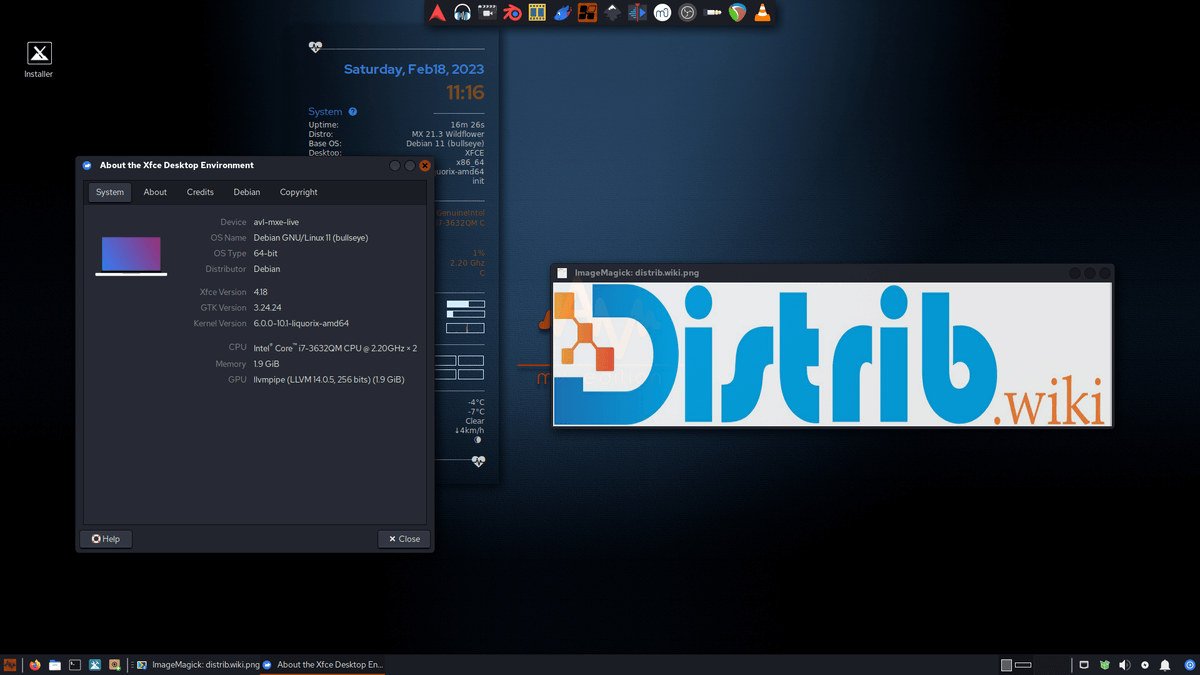
The distribution has used kernels intended to improve responsiveness for audio workloads. The AV Linux MX Edition manual describes the Liquorix kernel used from MX-21 Edition. A kernel choice alone cannot guarantee glitch-free recording or low latency: the audio device, drivers, buffer settings and workload also matter.
A collection of media applications
The original catalogue description lists audio tools such as Ardour and Qtractor, video editors such as Kdenlive and OpenShot, and graphics programs such as GIMP and Inkscape. Software synthesisers, effects and other production utilities broaden the selection. Consult the chosen release’s application list rather than assuming every named program is included in every image.
Audio hardware and routing
The profile highlights JACK, which supports flexible routing between audio applications and low-latency workflows when appropriately configured. Check the current edition’s audio stack and your exact interface or controller. Neither an included audio server nor the distribution name guarantees compatibility or the best sound quality for every device.
Overall assessment
AV Linux provides a starting point for media production through its application selection and audio-oriented configuration. It can interest professionals and enthusiasts exploring Linux creative tools. Before committing a production workstation, test a representative project, plugins, audio interfaces and recording settings, and confirm what the current image includes.