
Download KDE neon: images and installation guide
English edition published on .
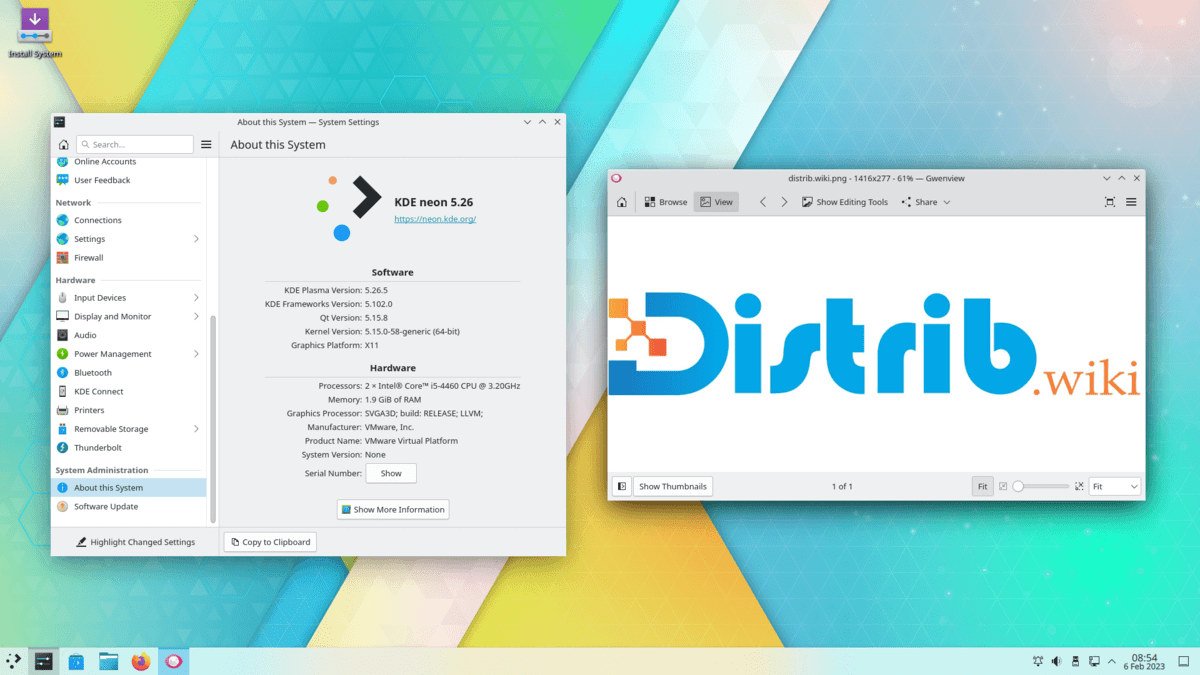
How to download KDE neon for free
KDE neon combines an Ubuntu LTS base with recent KDE software, particularly the Plasma desktop. It targets users who want a configurable desktop and frequent KDE updates.
Use the official download page and its verification information. It provides 64-bit live/install images for editions including User, Testing and Unstable; availability and names should be checked when downloading.
User Edition is the usual starting point for everyday use because it supplies released KDE software. Testing and Unstable are intended for testers and contributors and may contain development problems.
Which KDE neon edition should you choose?
User Edition combines the Ubuntu LTS foundation with released Plasma and KDE components. It is the edition to consider first for a personal desktop.
Testing Edition allows examination of upcoming KDE software before stable publication. It can help contributors report bugs but is not the default choice for a main working computer.
Unstable Edition follows development branches more closely. It targets KDE developers, experienced contributors and testers prepared to handle significant problems.
Choose User Edition for an initial installation unless you have a specific reason to work with pre-release software.
Prepare your computer before downloading
Back up important files before installation because disk and partition changes can erase them. A live trial does not replace that preparation.
Check for a compatible 64-bit processor and enough memory and storage for Plasma and your applications. Effects, widgets and workload influence resource needs.
Prepare a USB drive with sufficient capacity for the image, saving any existing files on it elsewhere before writing.
Create a bootable KDE neon USB drive
Use a supported image writer after verifying the ISO. Options described in the source include Rufus, balenaEtcher and KDE ISO Image Writer. Carefully identify the target drive because writing overwrites it.
Restart and open the manufacturer’s boot menu, often using F12, F9, F8, Escape or Delete, then select the USB drive.
Try Wi-Fi, sound, display, keyboard, mouse and the Plasma workflow in the live session before installing. A trial can reveal problems but cannot guarantee every application or peripheral will work.
Install KDE neon after downloading
The graphical installer guides language, keyboard, time zone, destination disk, partitions and account creation. Review the defaults and their effects before accepting them.
Replacing an existing system can erase its data. If keeping Windows or another Linux installation, plan the dual-boot layout carefully and keep a verified backup.
Apply updates after installation. The Ubuntu LTS base and KDE neon repositories have different roles: base-system maintenance and more frequent KDE software updates.
Why download KDE neon?
It provides a recent, integrated Plasma environment with configurable panels, menus, themes, shortcuts, effects, widgets and workspace organisation.
It may appeal to users who want an Ubuntu LTS base with newer KDE software than standard distribution repositories provide. The KDE layer changes more frequently than the base.
KDE enthusiasts can follow Plasma developments and explore features. Testing and Unstable editions serve contribution and testing work rather than being interchangeable with User Edition.
KDE neon is open source and can be installed without a paid OS licence on a personal computer, test machine or virtual machine.
Conclusion
User Edition is the first option to assess for a regular KDE neon desktop. It combines released KDE software with an Ubuntu LTS foundation while retaining a faster update pace for the KDE components.
Use official downloads and verification instructions, prepare USB media, try the live environment and review installer choices. Confirm that the update model fits how you maintain a desktop.