
Download antiX: image choice and installation guide
English edition published on .
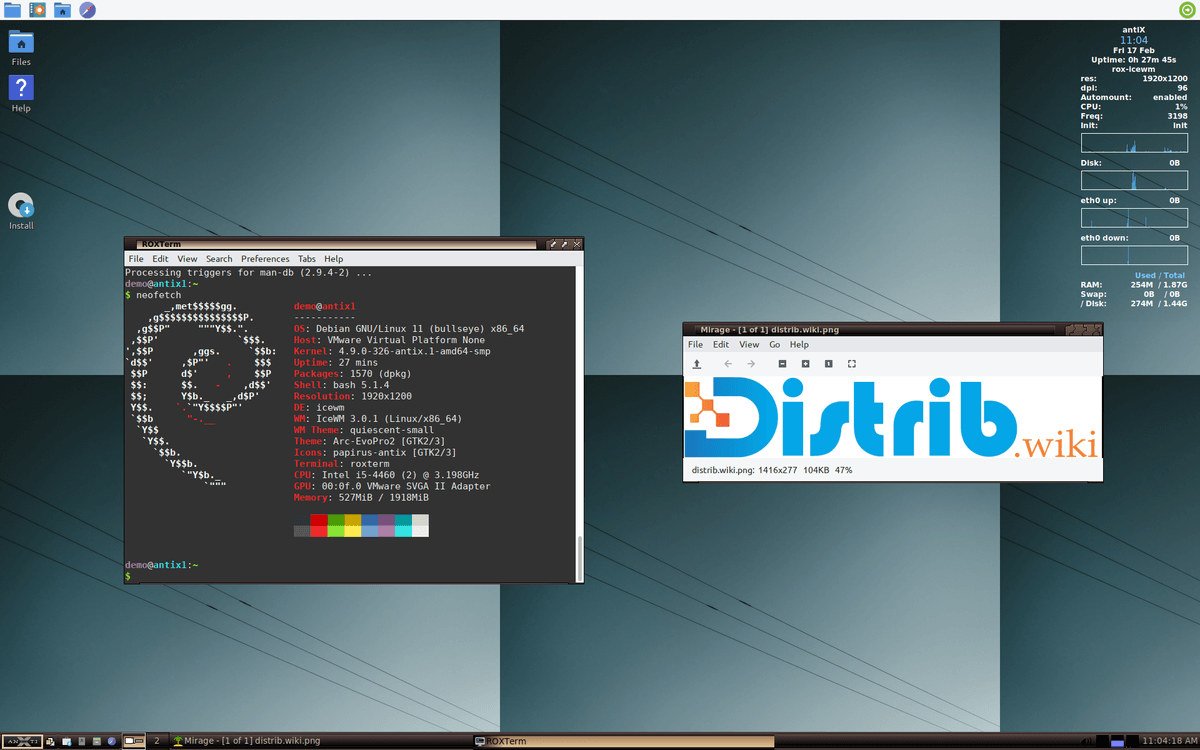
How to download antiX for free
antiX is a lightweight, Debian Stable-based Linux distribution without systemd. It targets both modest and newer computers and can serve as a desktop, portable live environment or recovery system.
Use the official project website or a recommended mirror and verify the image. The release described in this source guide is antiX-26 “Stephen Kapos”, published on 21 March 2026 and based on Debian 13 “Trixie”. Check the official page for later images.
The antiX-26 images described here cover 32-bit and 64-bit hardware in Full and Core variants. Full supplies a more complete starting environment; Core is minimal and intended for experienced users.
Which antiX version should you choose?
For a compatible 64-bit computer, x64 Full provides applications and several window managers in a prepared environment. The source guide records an approximate 2.3 GB size for antiX-26_x64-full.iso; use the current file listing for exact requirements.
The 386 Full image targets 32-bit processors. It can support older machines excluded by 64-bit-only distributions, but many newer applications no longer provide 32-bit builds.
Core is a minimal image for building your own environment, with 32-bit and 64-bit variants. The release announcement cited by the source gives an approximate size of 660 MB. It requires more configuration than Full.
For a first desktop trial, consider Full, selecting x64 or 386 according to the processor. Choose Core only if a minimal, manually configured environment is the aim.
Prepare your computer before downloading
Back up important files before changing an operating system. Installation can alter disk partitions; a live trial is a separate step and does not remove the need for a backup.
Confirm the processor architecture rather than guessing from the computer’s age. Use x64 on supported 64-bit hardware or 386 on compatible 32-bit hardware, while checking application availability.
Prepare a reliable USB drive large enough for the selected image. Full needs several gigabytes; Core is smaller. Save anything on the drive elsewhere before writing it.
Create a bootable antiX USB drive
Use an image-writing method supported by antiX for the chosen ISO. The source guide mentions Rufus, balenaEtcher and, for experienced users, dd; follow current project instructions and identify the destination carefully because writing erases it.
Restart, open the manufacturer’s boot menu—often using F12, F9, F8, Escape or Delete—and select the USB device.
The live environment lets you inspect Wi-Fi, sound, display, keyboard, mouse and window-manager usability before installation. It can also provide recovery and maintenance tools. Do not assume a live session cannot modify disks if you deliberately use those tools.
Install antiX after downloading
The installer guides language, keyboard, time zone, destination disk, partitions, username and password. Full supplies the more complete initial environment for newcomers.
Check the selected disk and partitions carefully. Replacing the old system can erase the whole drive; retaining Windows or another Linux installation requires a planned dual-boot setup.
After installation, apply updates and use repositories compatible with the selected antiX release. APT provides familiar Debian-style package management; review proposed changes before confirming.
Why download antiX?
Its small desktop environment can help extend the usefulness of compatible older hardware and provides a free-software option without a paid OS licence.
antiX also addresses users who want alternatives to systemd. The antiX-26 source description lists runit as the default with sysVinit, dinit, s6-rc and s6-66 options; consult the release documentation for supported choices.
A live USB can be useful for troubleshooting, checking hardware, recovering files or carrying a portable environment. Actual boot speed depends on the machine and media.
The Debian Stable base provides a broad package ecosystem for modest office tasks, browsing, files, media and maintenance. Application demands still determine what older hardware can handle.
Conclusion
Choose a supported antiX image matching the processor and required application selection. Full is the prepared desktop option; Core is for users who want to build a smaller system themselves.
Download through official links or recommended mirrors, verify the file, write the media carefully and try the live environment before installing. Check maintenance and hardware requirements rather than assuming every old computer is supported.