
Frugalware downloads: archived images and installation
English edition published on .
Project resources — opens a new tab
Check the project status before using archived installation media.
How to obtain historical Frugalware downloads
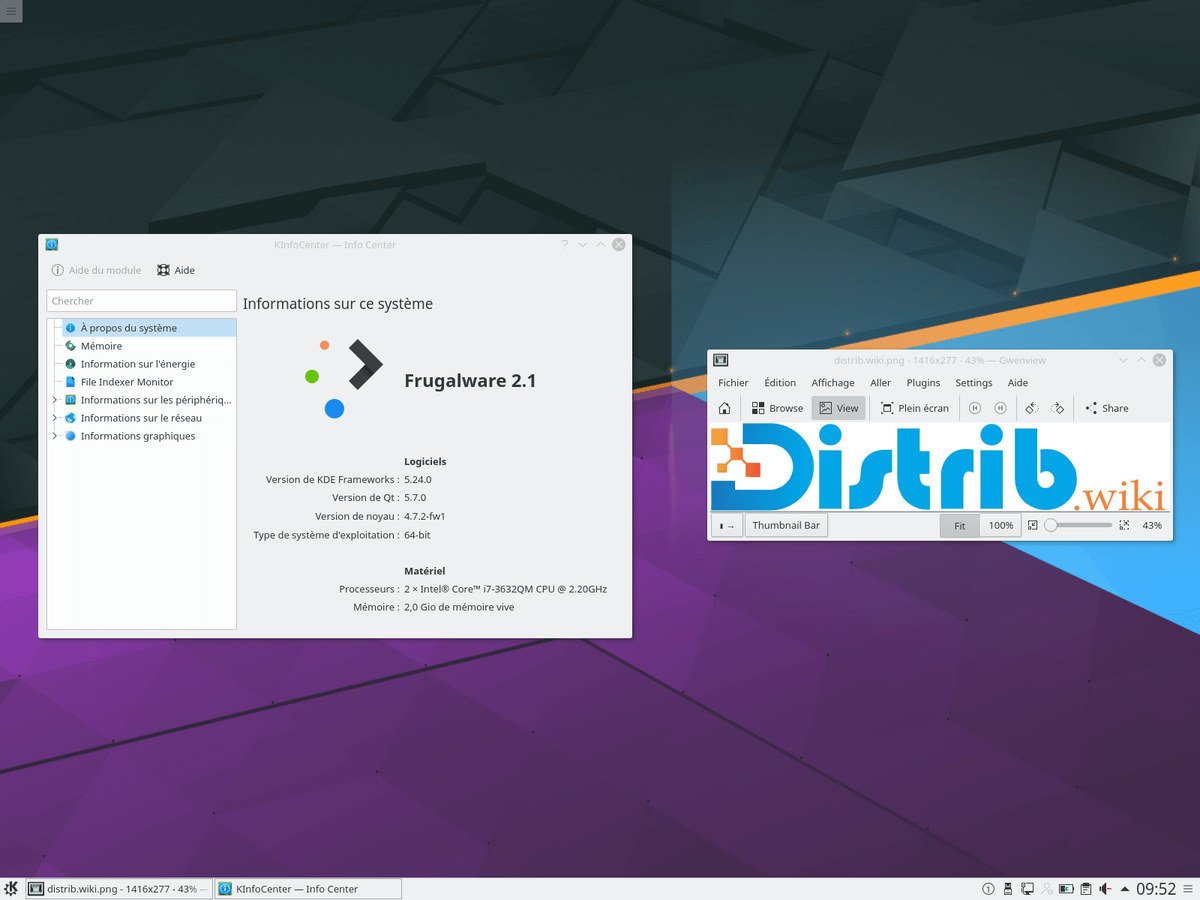
Frugalware was an independent Linux distribution historically inspired by Slackware and aimed at intermediate users. It supplied binary packages, pacman-g2 package management and a relatively direct but technical administration approach.
It is no longer recommended for a new main installation. The project announced on 3 October 2025 that it would stop at the end of 2025 and be archived. Downloads are therefore for historical study, education or experimentation, not a maintained everyday system.
For historical images, use the project’s official archives or listed mirrors and verify provenance where possible. Choose a maintained distribution for regular use.
Which Frugalware version should you choose?
The appropriate archived image depends on your research objective. An old stable image may suit a virtual-machine experiment; the former current branch may help study development but is not a suitable main workstation.
Historical stable images offered complete installations with various desktops and packages. They can be useful for examining pacman-g2 and the history of independent Linux projects.
Do not rely on Frugalware as an internet-connected main system. Packages can be obsolete, security flaws unpatched and repositories unavailable or archived.
For regular use, compare maintained projects according to your needs: Slackware for its Unix-like administration, Arch or EndeavourOS for pacman and rolling updates, or Debian, Fedora and openSUSE for their different maintenance models.
Prepare your environment before downloading
Define the experiment first. A virtual machine avoids repartitioning the main computer and helps contain a historical environment. Review network and sharing settings rather than assuming virtualisation removes every risk.
If using an old physical computer, back up its important files before installation. Disk and partition changes can erase existing data.
Check the image architecture. Frugalware historically offered formats including i686 and x86_64; choose one supported by the test environment.
Create boot media for Frugalware
For an archived ISO, check its documentation for supported media creation. Tools such as Rufus, balenaEtcher or dd may be relevant depending on the image, but not every old ISO supports every USB-writing method.
On physical hardware, open the manufacturer’s boot menu and select the prepared medium. Common menu keys include F12, F9, F8, Escape and Delete.
Prefer testing the image in a virtual machine first. This helps determine whether its installer still works without modifying your main disk.
Installing an archived Frugalware release
The installer depends on the release. Historical versions offered choices for language, keyboard, partitions, packages, bootloader and desktop, aimed at users comfortable with Linux configuration.
Check the target disk and partitions carefully. A partitioning error can erase data, so keep a verified backup before working on physical hardware.
pacman-g2 managed installed packages. With the project discontinued, repositories may have moved, been archived or stopped receiving security updates, limiting the value of a long-lived installation.
Why obtain Frugalware archives?
They provide a way to study an independent Linux project combining Slackware influences with pacman-related package management.
Possible uses include documentation, historical research, nostalgia and virtual-machine experiments. The project illustrates a community distribution maintained over many years.
It should not be selected as the main system for a modern personal computer, professional workstation or server that needs maintained software.
Compare projects such as Slackware, Arch Linux, Void Linux, Debian or EndeavourOS if you want related ideas in a system with an appropriate maintenance policy. Their tools and release models differ.
Conclusion
Frugalware downloads retain historical interest through the project’s Slackware influences, pacman-g2 and intermediate-user focus.
Use official archives or documented historical mirrors when investigating it, but choose a maintained distribution for everyday work. Treat Frugalware as a historical system rather than a current recommendation.