

Opens the download page on distrib.wiki.
English edition published on .
Ubuntu MATE combines the Ubuntu software base with the MATE desktop. It is an option for users who want a modern Linux system with a traditional desktop layout.
Features of Ubuntu MATE
MATE grew from GNOME 2 and retains a familiar desktop approach while continuing to develop its underlying technology. Ubuntu MATE combines that environment with Ubuntu’s package ecosystem.
Appearance and functionality
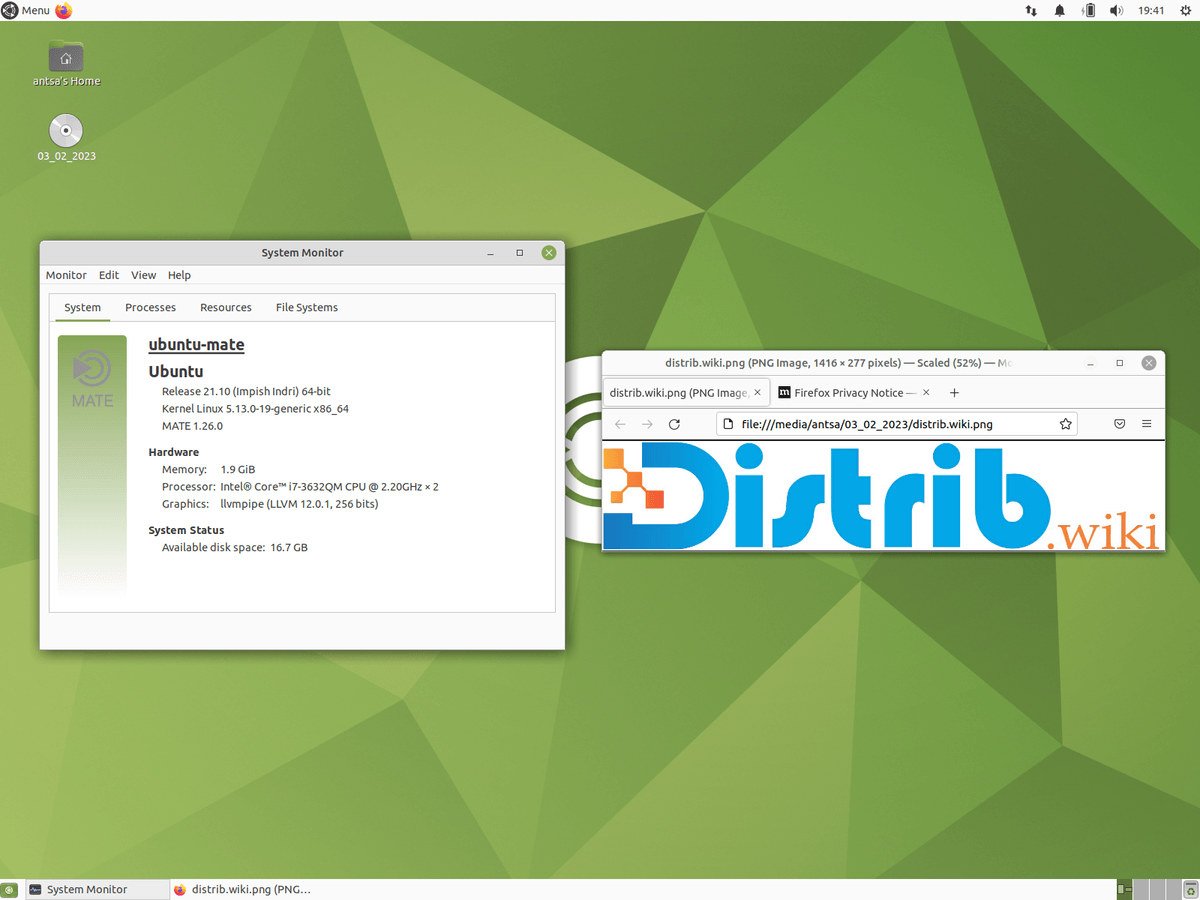
The desktop offers traditional menus, panels and windows. People familiar with older GNOME desktops or conventional Windows layouts may find the organisation approachable, although shortcuts and settings still require some learning.
Convenience and compatibility
The Ubuntu base provides access to a large software collection and community documentation. Hardware support depends on the release and exact device. Also check Ubuntu MATE’s own support period; Ubuntu’s commercial offers and maintenance terms should not automatically be assumed to cover every flavour component.
Using Ubuntu MATE
The MATE desktop
MATE develops the traditional GNOME 2 desktop model. A typical layout includes a menu panel, task panel and desktop icons for files and applications. Users can adjust that organisation rather than being limited to one arrangement.
Software management
Ubuntu MATE uses APT for package installation, updates and removal. Graphical software-management applications provide another route, but their names and availability vary by release. Consult the documentation for the version installed rather than assuming an older Ubuntu Software Centre guide still applies.
Customisation
Themes, panel applets, menus and other interface settings can be changed to suit personal preferences. This configurability is one of MATE’s main attractions.
Overall assessment
Ubuntu MATE combines an Ubuntu-based system with a familiar desktop design. It may suit experienced users seeking a traditional interface or newcomers who prefer menus and panels. Check applications, hardware and the release’s support status before choosing it.