
Download LXLE: images and installation media
English edition published on .
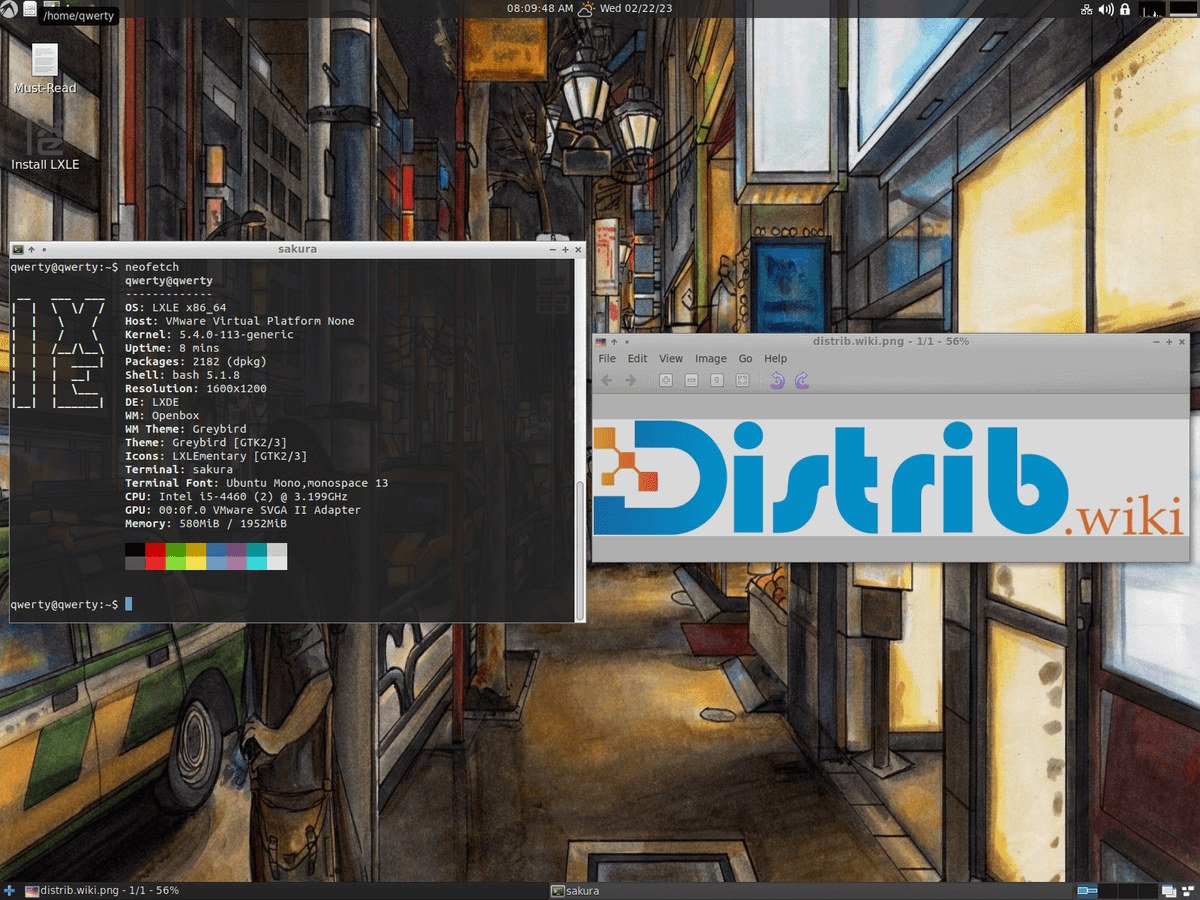
LXLE, short for Lubuntu Extra Life Extension, is a Linux distribution designed with older computers in mind. Its Lubuntu heritage informs its lightweight desktop approach. This page outlines downloading and installing it; check the selected release’s availability, requirements and maintenance status before proceeding.
Downloading LXLE
Visit the official LXLE website to find an installation ISO. Choose an image compatible with your processor architecture. Older releases may have offered different 32-bit and 64-bit choices; an archived image does not establish that an architecture or release is still supported.
Preparing installation media
Burning a DVD
If the selected image supports optical installation, burn the downloaded ISO to a DVD using your disc-writing application’s image-writing option. Select the LXLE ISO and use a blank disc with sufficient capacity.
Creating a bootable USB drive
You can also prepare a bootable USB drive with a compatible image-writing application. The original instructions mention UNetbootin and Rufus; use the tool and settings recommended for the selected image. Select the ISO and carefully confirm the USB target, whose contents will be overwritten.
Installing LXLE
Once your installation medium is ready and important files are backed up, follow these general steps alongside the instructions for your release:
- Insert the installation DVD or USB drive into the computer and restart it.
- Open the computer’s boot menu and select the installation medium. The key varies by manufacturer; F12, F2 or Delete are examples, so consult the computer’s instructions.
- When the LXLE environment loads, choose its installation option, if provided by the image.
- Follow the installation screens to review disk partitioning, select the time zone and create a user account and password. Confirm the correct disk and check the proposed changes before proceeding.
- When installation finishes, restart as instructed and remove the installation medium. The computer should then start the installed system.
LXLE’s lightweight desktop is intended to suit older hardware, but usability and performance depend on the machine, applications and release. Check hardware compatibility and ongoing updates before making it your everyday system.